Free AI voiceovers for Instagram Reels

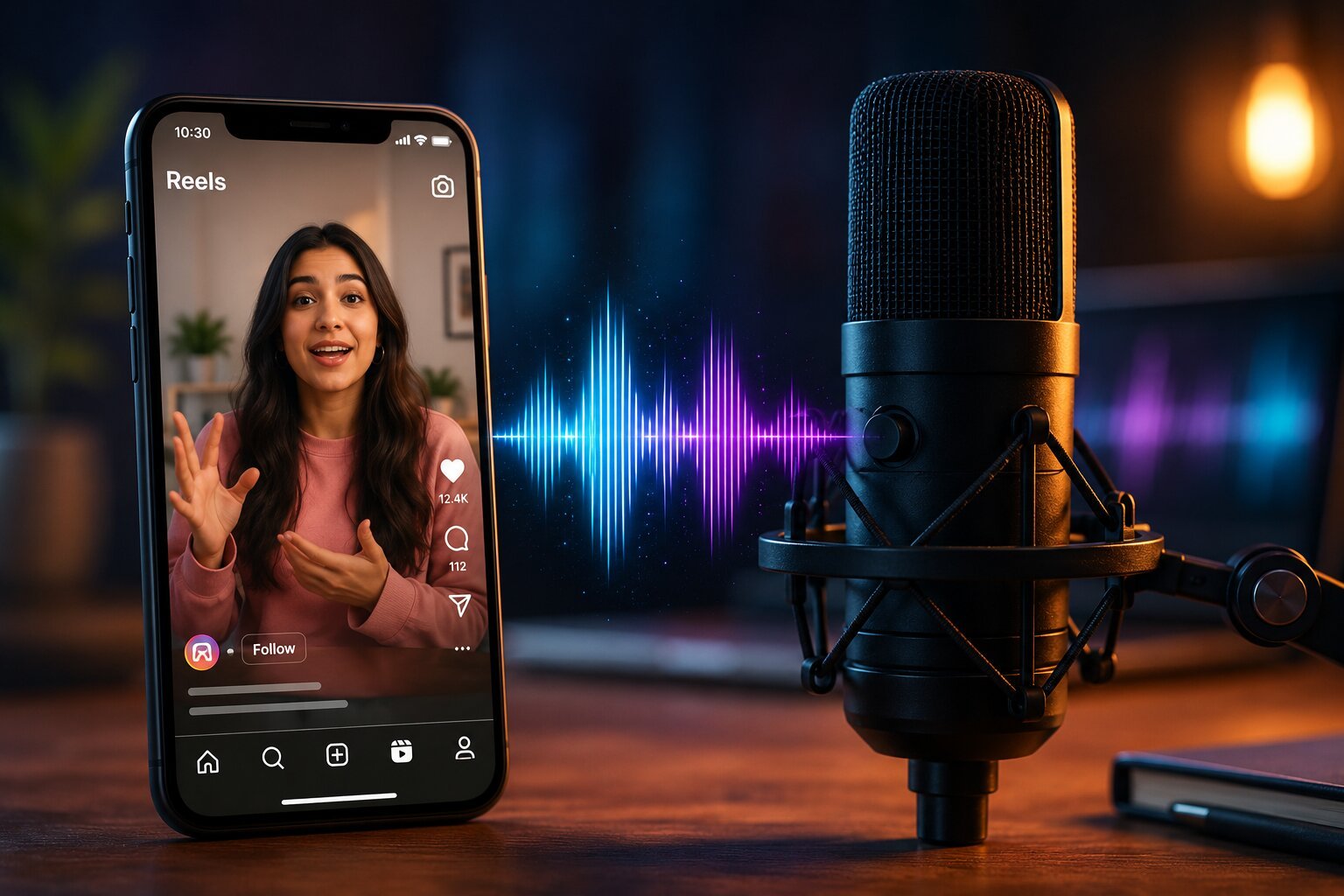
If you have scrolled through Instagram Reels lately, you have probably noticed a major shift. The rigid, robotic text-to-speech voices that used to dominate social media are fading fast. They are being replaced by incredibly expressive, fluid, and human-sounding voiceovers.
The most surprising part? Many of these high-performing creators aren’t stepping in front of an expensive studio microphone. They are using advanced artificial intelligence—and they are doing it entirely for free.
Whether you want to create faceless Reels, scale your content production, or protect your privacy, this guide will walk you through exactly how to generate hyper-realistic AI voiceovers for Instagram Reels without spending a single dollar.
Why Realistic Audio Dictates the Instagram Reels Algorithm
Instagram’s algorithm heavily prioritizes user retention and watch time. If a viewer scrolls onto your Reel and hears an annoying, synthetic machine voice mispronouncing words, they will swipe away within milliseconds.
Human-like inflection, natural breathing pauses, and emotional resonance build immediate psychological trust. High-fidelity AI audio keeps viewers hooked, which signals to the algorithm that your content is highly engaging. This dynamic drives your video straight toward the Explore page and Google Discover feeds.
Top 3 Free AI Voiceover Generators for Content Creators
While the AI market is filled with premium enterprise tools, several industry leaders offer exceptionally powerful free tiers that are perfect for social media creators.
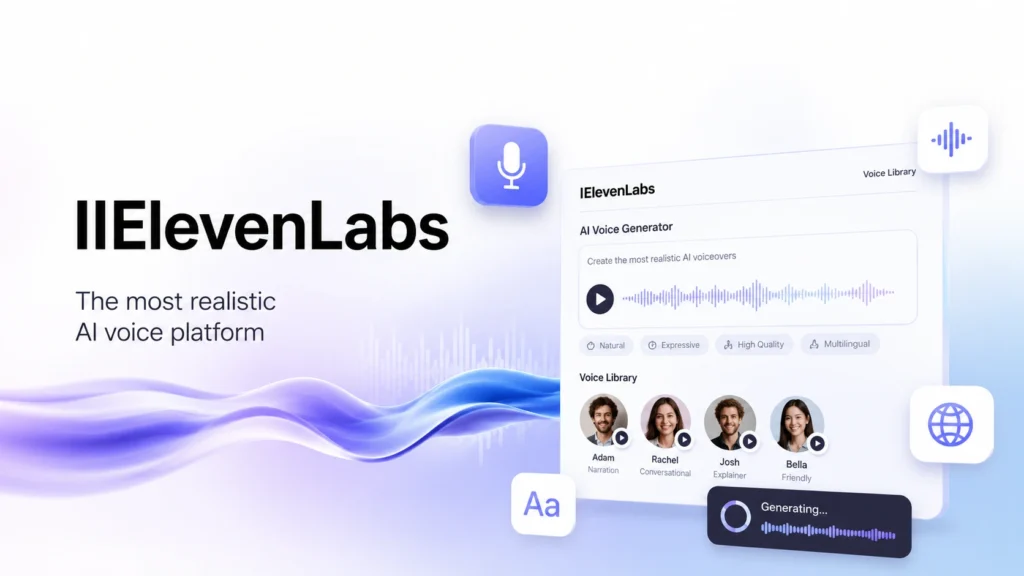
1. ElevenLabs (The Gold Standard for Realism)
ElevenLabs remains the undisputed leader in synthesis quality. Their Multilingual speech models capture subtle shifts in tone, delivery, and pacing.
- Free Tier Perks: 10,000 characters per month (~10 minutes of high-quality audio).
- Best Feature: Access to a vast, community-curated voice library with diverse accents, ages, and styles.
- Keep in Mind: The free tier requires you to attribute ElevenLabs in your video description and is restricted to non-commercial use.

2. Canva (The Best All-in-One Workflow)
If you already design your video graphics or edit clips inside Canva, their integrated AI voice generator makes production incredibly smooth.
- Free Tier Perks: Fully free to use and preview within the standard Canva design editor.
- Best Feature: Zero file management. You can generate the voiceover directly onto your video timeline without downloading separate files.
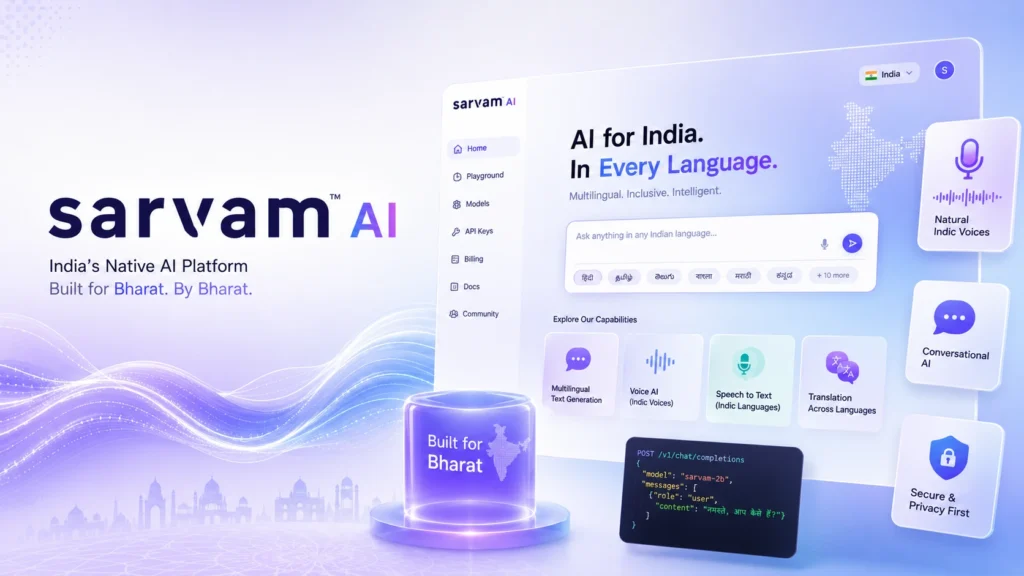
3. Sarvam AI (The Ultimate Pick for Regional & Mixed Languages)
If your target audience responds well to regional accents or mixed languages (like Hinglish, Spanglish, or Tanglish), Sarvam AI is a game-changer.
- Free Tier Perks: Generous free character limits per generation with zero credit card requirements.
- Best Feature: Built from the ground up to handle mid-sentence language switching naturally, eliminating the awkward robotic pauses traditional English engines make when trying to read non-English terms.
Step-by-Step: How to Craft and Sync Your AI Voiceover
Creating a viral Reel requires a blend of great writing, pristine audio engineering, and precise video timing. Follow this exact workflow to make your AI voice completely indistinguishable from a real human voice actor.
- Write a High-Retention Script: Write exactly how people talk. Use short, punchy sentences. Include phonetic spelling hints for complex brand names or slang terms (for example, type “Insta-gram” or adjust tricky pronunciations manually) so the AI reads the line flawlessly.
- Generate and Steer the Audio: Paste your script into your chosen platform. If using tools like OpenAI TTS or ElevenLabs, use emotional prompting cues or stability settings to inject excitement, warmth, or professional calm into the voice profile. Download the final output as a high-quality MP3 or WAV file.
- Clean Up the Audio File: Import your audio clip into a free editing tool like CapCut or Audacity. Apply a subtle Loudness Normalization effect and use a basic noise-reduction filter to ensure the sound feels crisp, punchy, and professional on mobile phone speakers.
- Precise Pacing Adjustment: Listen closely to the natural spacing. Slice out any abnormally long pauses between sentences. A great social media voiceover should feel quick and energetic, leaving zero dead air that might prompt a viewer to scroll away.
- Time Visuals to Audio Beats: Align your video cuts directly with the voiceover’s natural emphasis points. Import the edited track into Instagram Reels, add a faint track of trending background music (lowered to around 10–15% volume so it doesn’t overpower the voice), and publish.
Pro-Tips for Making AI Voices Sound Authentic
Quick Tip: AI models rely heavily on commas, periods, ellipses (…), and question marks to determine when to breathe and change pitch. Use punctuation intentionally to pace the delivery.
- Layer with Low Trending Audio: Adding a popular background track does more than please the algorithm; it masks micro-artifacts or tiny digital imperfections in the generated AI audio file.
- Keep It Short: With free tiers capping characters, optimize your hooks. Keep scripts under 150 words to yield an impactful 30-to-60-second video that completely fits your monthly free allowances.
FAQ
Can I use ElevenLabs free tier for Instagram Reels?
Yes, you can use the ElevenLabs free tier for Instagram Reels. However, you must include visual or textual attribution (e.g., “Voice by ElevenLabs”) in your caption or video, and the content must remain non-commercial. Monetized or sponsored reels require a paid plan.
What is the best free AI voice generator for faceless Reels?
ElevenLabs is widely considered the best free AI voice generator due to its unmatched emotional realism and human-like inflection. For creators editing directly inside video suites, Canva offers an excellent, frictionless alternative.
How do I make an AI voiceover sound more human?
To make an AI voice sound human, insert strategic punctuation like commas and ellipses to force natural breathing pauses. Additionally, keep your script sentences short, spell out ambiguous acronyms phonetically, and layer a low-volume background track to hide minor audio artifacts.
Will the Instagram algorithm penalize AI voices?
No, the Instagram algorithm does not penalize AI voices. The algorithm focuses purely on audience retention, watch time, and engagement. As long as the audio is high quality, realistic, and keeps viewers hooked, your Reels stand an equal chance of going viral.