The AI Quest - Explore. Compare. Master the AI Era.
Latest Blogs

Explore. Compare. Master the AI Era.
Explore. Compare. Master the AI Era.
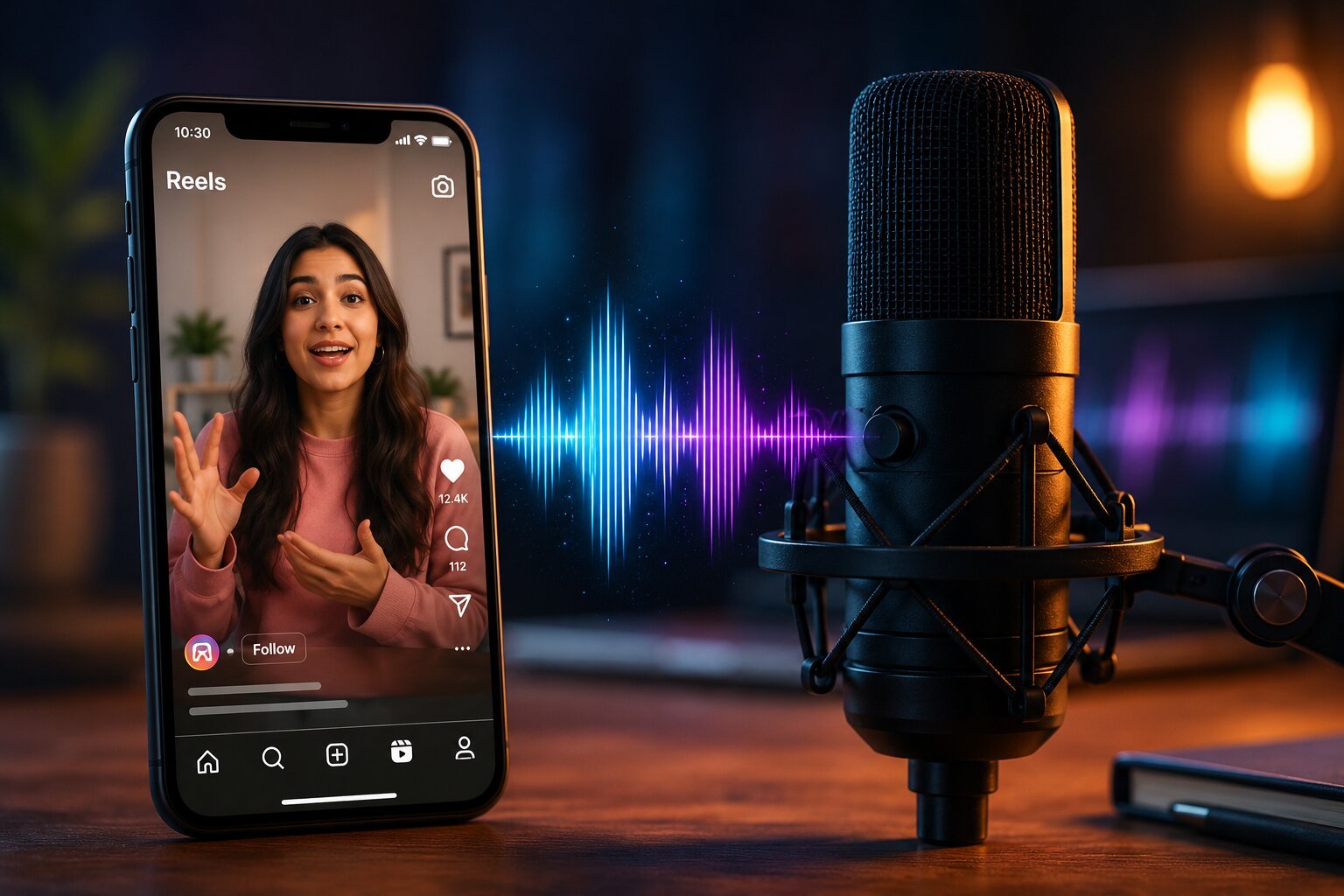
The use of AI voices on social media is growing rapidly. On platforms like Instagram Reels, YouTube Shorts, and other video platforms, you can now hear AI voices that sound almost like real people.
If you want to create videos without recording your own voice, AI Voice Generators can make your work much easier. These tools can turn your written script into a clear and professional voiceover within minutes.
You can use tools like ElevenLabs, Canva, and Sarvam AI for this purpose. These platforms also offer free options for creating AI voices.
In this guide, we will explain how to create free AI voiceovers for Instagram Reels and which tool is best for your needs.
The voice is just as important as the video itself. If the voiceover is unclear or sounds too robotic, viewers may lose interest and skip your video.
On the other hand, a natural voice with the right tone, pauses, and expressions can make people more interested in your content.
This can help improve your video’s watch time and audience retention. However, a good AI voice alone cannot make a Reel go viral. Your script, visuals, and overall content quality also matter.
If you want a natural and professional voice for your Reels, ElevenLabs is a good option. It offers different types of voices that you can choose according to your video.
Key Features:
It is a good choice for creators who want professional voiceovers without recording their own voice.
If you already use Canva to create videos and graphics, its AI Voice feature can make your work easier.
Key Features:
However, some AI Voice features and usage limits depend on your Canva plan.
If you create videos in Hindi or other Indian languages, Sarvam AI can be a useful option. It is designed with a focus on Indian languages.
Key Features:
It is especially helpful for creators who make Reels and videos for Indian audiences.
Creating an AI voiceover is quite simple. Just follow these steps.
Step 1: Write a Good Script
First, prepare a short and simple script for your Reel. Write naturally, just as you would speak to someone in a normal conversation.
Step 2: Choose an AI Voice Generator
Open any one of these tools: ElevenLabs, Canva, or Sarvam AI. Choose a voice that matches your content and paste your script into the text box.
Step 3: Generate the Audio
Click on the Generate option. Once the voiceover is ready, listen to it carefully. If any word is pronounced incorrectly, edit the script and generate the audio again.
Step 4: Add the Voice to Your Video
Import the generated audio into a video editor such as CapCut or VN. Now adjust the audio to match the timing of your video.
Step 5: Complete the Final Editing
Add background music and sound effects if needed. Keep the music volume low so that viewers can hear your voiceover clearly.
1. Can I use the ElevenLabs Free Plan for Instagram Reels?
Yes, you can use the free plan to create voiceovers for Instagram Reels. However, make sure to check its rules for commercial use and attribution before publishing your videos.
2. Which is the best free AI voice tool for Faceless Reels?
ElevenLabs is a good choice for natural-sounding voices. Canva is useful if you want to create voiceovers while editing videos. Sarvam AI is a good option for Hindi and other Indian languages.
3. How can I make an AI voice sound more human?
Write your script in simple language, use punctuation correctly, and adjust the speaking speed and tone according to your content.
4. Does Instagram reduce the reach of videos with AI voices?
Instagram does not automatically reduce a video’s reach just because it uses an AI voice. Several factors, including video quality, audience interest, and viewer engagement, can affect how widely your content is shown.