The AI Quest - Explore. Compare. Master the AI Era.
Latest Blogs

Explore. Compare. Master the AI Era.
Explore. Compare. Master the AI Era.
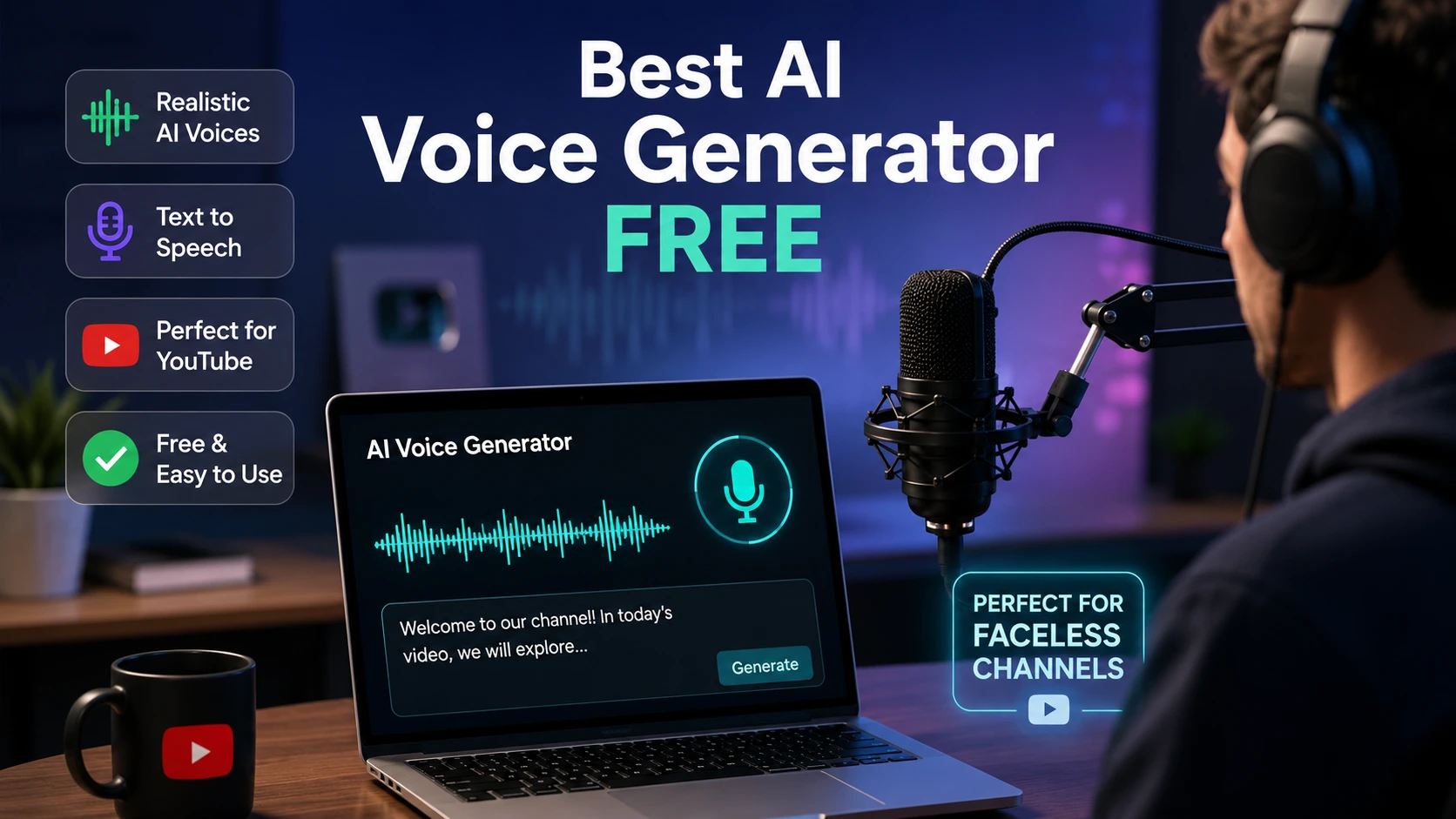
Creating voiceovers for YouTube videos, Instagram Reels, Shorts, and podcasts no longer requires a professional microphone or recording setup. With AI voice generators, you can turn written text into natural-sounding speech in just a few clicks.
However, finding a genuinely useful free AI voice generator is not always easy. Some tools limit the number of characters you can convert, while others restrict audio downloads or commercial use.
To make things easier, we have covered 10 popular AI voice generators for 2027, including ElevenLabs, TTSMaker, CapCut, Google AI Studio, and Microsoft Clipchamp.
These tools can help you create voiceovers in English, Hindi, and Hinglish for different types of content.
Let’s explore their free plans, key features, limitations, and the type of users each tool is best suited for.
| AI Voice Generator | Free Plan | Best For |
|---|---|---|
| ElevenLabs | 10,000 characters/month | Storytelling and documentaries |
| TTSMaker | 20,000 characters/week | YouTube and news videos |
| CapCut AI Voice | Available free features | Reels and Shorts |
| Google AI Studio | Free API tier | Hindi voiceovers and tutorials |
| Microsoft Clipchamp | Free video exports | YouTube videos |
| PlayHT | Limited free words | Podcasts |
| Murf AI | 10-minute trial | Presentations |
| Canva AI Voice | Free AI credits | Social media videos |
| Descript | Limited free plan | Podcast editing |
| Speechify | Free reading preview | Articles and books |
Note: Free plan limits, pricing, and commercial usage rights may change. Always check the latest terms on the official website before using any tool.
Realism Score: 9.8/10
If you want an AI voice that sounds close to a real human speaker, ElevenLabs is one of the best options to try.
It can produce natural-sounding speech with realistic pauses, voice variations, and emotional expression. It also supports multiple languages, including English and Hindi.
Free Plan: 10,000 characters per month.
Pros:
Cons:
Best For: YouTube documentaries, storytelling, audiobooks, and professional voiceovers.
Realism Score: 8.2/10
TTSMaker is a good option if you want to create AI voiceovers without spending money.
You can enter your script, select a language and voice, and convert the text into speech. The generated audio can also be downloaded in MP3 format.
Free Plan: Up to 20,000 characters per week.
Pros:
Cons:
Best For: Faceless YouTube channels, news videos, and content creators who need regular voiceovers.
Realism Score: 8.5/10
CapCut is a useful choice for creators who want to generate AI voices and edit videos in the same application.
You can type your script and convert it into speech directly on the video timeline. This saves time because you do not need to generate audio separately and import it into another editing tool.
Pros:
Cons:
Best For: Instagram Reels, YouTube Shorts, and social media content creators.
Realism Score: 9.1/10
Google AI Studio offers text-to-speech capabilities through Google’s Gemini models.
One of its useful features is the ability to generate speech in a conversational style. It also supports multiple speakers, making it suitable for dialogue-based scripts and educational content.
Pros:
Cons:
Best For: Educational videos, technology tutorials, conversational content, and AI automation projects.
Realism Score: 7.8/10
Microsoft Clipchamp is a video editor that also includes a text-to-speech feature.
You can enter your script, select a voice, and generate speech in supported languages. You can then use the same project to edit your video.
This makes it a convenient option for beginners who want to create videos without switching between multiple applications.
Pros:
Cons:
Best For: Beginner YouTubers and creators who need simple video editing and voiceovers.
Realism Score: 9.2/10
PlayHT is worth considering if you want to convert longer scripts into speech.
It can be useful for storytelling, tutorials, podcasts, and other content that requires longer voiceovers.
Free Plan: Limited free words.
Pros:
Cons:
Best For: Podcasters, storytellers, and creators working on long-form audio content.
Realism Score: 8.9/10
Murf AI is designed for creating professional voiceovers for presentations, training videos, and educational content.
It offers options to adjust voice speed, pitch, and emphasis. These controls help you create voiceovers that sound more suitable for professional presentations.
Free Plan: Limited voice generation trial.
Pros:
Cons:
Best For: Business presentations, online courses, and corporate training videos.
Realism Score: 8.0/10
If you already use Canva for graphic design and video creation, its AI voice features can make your workflow easier.
You can generate voiceovers and add them to your designs or video projects without moving between multiple tools.
Pros:
Cons:
Best For: Social media managers, designers, and content creators.
Realism Score: 8.8/10
Descript is more than a regular AI voice generator. It allows you to edit audio and video using text.
For example, if you make a mistake while recording a podcast, you can edit the transcript and use its available features to correct parts of the recording.
This makes audio editing easier, especially for people who regularly create podcasts or videos.
Pros:
Cons:
Best For: Podcasters, video editors, and content creators.
Realism Score: 8.6/10
Speechify is mainly designed to convert written content into speech.
You can use it to listen to articles, documents, and books instead of reading everything on a screen. It is particularly useful for students, researchers, and people who prefer listening to long-form content.
Pros:
Cons:
Best For: Students, researchers, and people who prefer listening to written content.
Yes. You can use AI-generated voices in YouTube videos and still qualify for monetization.
YouTube does not automatically reject a channel simply because it uses AI-generated speech. However, your videos should offer original value and follow YouTube’s monetization policies.
For better results, keep these points in mind:
Remember, using an AI voice does not guarantee monetization. The overall quality and originality of your content matter.
1. Not Adding Natural Pauses
If you enter a complete script without commas or full stops, the AI voice may sound unnatural. Use proper punctuation to create natural pauses between sentences.
2. Using the Same Voice in Every Video
Using the same popular AI voice in every video can make your content sound repetitive. Try different voices that match your content style.
3. Ignoring Audio Quality
Before publishing a video, check the voice volume, pronunciation, and background music. Make sure the narration is clear and easy to understand.
Q1. Which AI voice generator offers the most realistic voices in 2027?
ElevenLabs is one of the best options for realistic AI voices. Its speech quality, voice styles, and emotional expression make it suitable for professional voiceovers. Google AI Studio is another option worth trying.
Q2. Is there a free AI voice generator with commercial usage rights?
Yes. Tools like TTSMaker offer free commercial usage under their applicable terms. However, always check the latest licensing conditions before using generated audio in monetized videos.
Q3. Which AI voice generator works without signing up?
TTSMaker offers an option to convert text into speech and download MP3 audio without creating an account.
Q4. Which AI voice generator is best for Hindi?
ElevenLabs, Google AI Studio, and TTSMaker are good options to explore for Hindi voiceovers. The final result may vary depending on the selected voice and script.
Q5. Can I clone my own voice using AI for free?
Yes. Some AI voice platforms, including ElevenLabs, offer voice cloning features. You generally need to provide a recording of your voice. However, availability and usage limits depend on the current plan.
The best AI voice generator depends on the type of content you want to create.
Here are our recommendations:
You do not need to spend money on an expensive AI voice generator when you are just getting started. Try the free options first and see which one works best for your content.
Once your channel or content business starts growing, you can consider a paid plan if you need better voice quality, more customization, or higher usage limits.