5 Free AI Writing Tools: My Hands-On Review (2026)
Discover the top 5 free AI writing tools for 2026. Read our hands-on review of ChatGPT, Gemini, Claude AI, and more to boost your content workflow.


In today’s digital world, using AI tools has become quite important for improving productivity.
If you do not use AI in your work, you may fall behind as things are changing so quickly.
That is why most content writers and bloggers are now using different AI tools to make their work easier and faster.
- If you are looking for an AI tool that writes in a natural, human-like way instead of sounding too formal or artificial, Claude AI is a strong option right now.
- If you need an all-rounder tool to create an article outline and prepare the first draft, ChatGPT is one of the easiest and most reliable options.
- For research-based content, where you need fresh data and accurate information, Google Gemini can be very useful.
- Rytr and Copy.ai, on the other hand, are more useful for short social media posts, ad copy, and similar content rather than long-form articles.
Why Is the Need for Free AI Tools Growing?
If you work in content writing or blogging, you may have noticed one thing. AI is no longer just a tool for generating ideas. People now use it for research, writing, editing, and content planning.
But using AI to create content and creating good content are two different things.
Google also says that AI can be used to create content. But the content should offer useful and original information to readers. Simply creating large amounts of generic content without adding real value is not the right approach.
This is where good AI Writing Tools can help. The right tool can save you a lot of time with research, drafting, and editing. You can also start with free tools if you don’t want to spend money on AI subscriptions.
That’s why I tried several Free AI Writing Tools myself. I used them for blogs, SEO articles, and everyday content work.
In this article, I have covered the 5 tools that I found most useful during my testing. I have also looked at what their free plans actually offer and where their limitations are.
5 Free AI Writing Tools
| Tool | Best Used For | Free Plan Limit | My Rating |
| ChatGPT | Drafting, structuring, and outlining | Generous (rolling limit) | 4.8 / 5 |
| Google Gemini | Live research and fact-checking | Unlimited basic chat | 4.7 / 5 |
| Claude AI | Natural tone and human-like writing | ~15–40 messages / 5 hours | 4.9 / 5 |
| Rytr | Short captions and meta descriptions | 10,000 characters per month | 4.2 / 5 |
| Copy.ai | Sales pages, ads, and emails | 2,000 words per month | 4.4 / 5 |
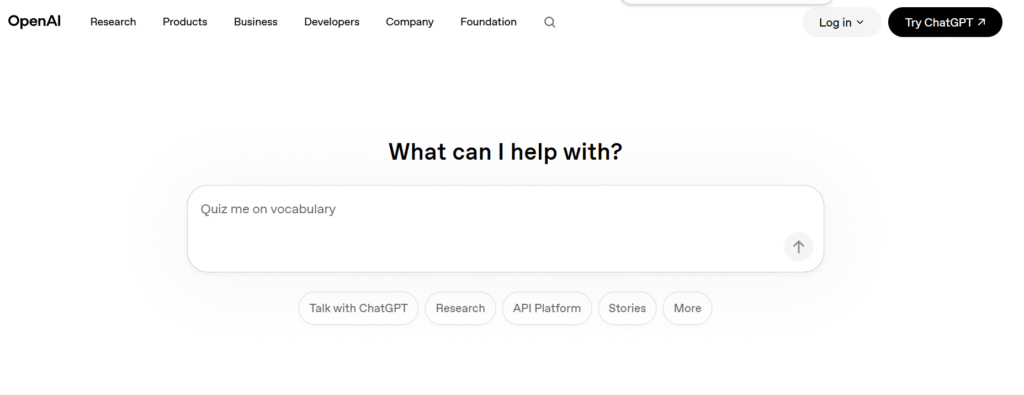
1. ChatGPT
ChatGPT remains the best free AI tool available today. It doesn’t force a rigid structure on you you can ask it directly in the chat, and it will execute the task just as requested.
ChatGPT remembers previous context exceptionally well. If you tell it, “Shorten the third paragraph a bit” or “Naturally place these two keywords in this section,” it makes the adjustments without forgetting earlier instructions.
- Writing Style: If you don’t give it clear instructions, it tends to fall back on overused AI cliches (like “In today’s fast-paced digital world”). But if you prompt it to “keep the language simple, use short sentences, and avoid buzzwords,” it delivers a solid draft.
- Pros: Fast performance, highly flexible, and great at organizing ideas under clear headings.
- Cons: Requires precise prompts, and the free version can slow down during peak server traffic.
- Best For: Bloggers and students who want to handle everything from outlining to drafting in a single tool.
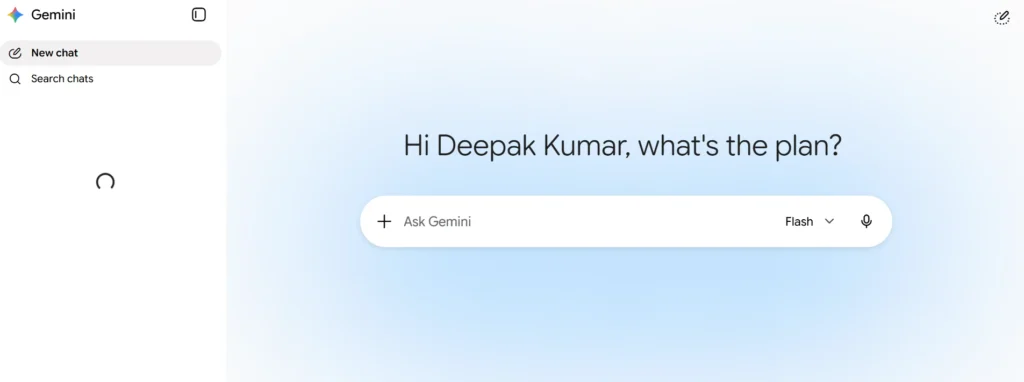
2. Google Gemini
Because it’s connected directly to Google Search, Gemini is unmatched when it comes to fresh news, recent stats, and research-backed content.
Its ‘Double-Check’ feature is incredibly useful. It instantly highlights which statements are verified by Google Search and which ones might be uncertain, saving you a ton of time on fact-checking.
- Writing Style: Clean, direct, and conversational. It’s ideal for opinion pieces, news summaries, and how-to blogs.
- Pros: Access to live internet data for free, one-click export to Google Docs, and unlimited basic usage.
- Cons: Can lose focus during very long articles, so you need to keep it grounded with a clear outline.
- Best For: SEO writers, researchers, and anyone whose content relies on fresh data.
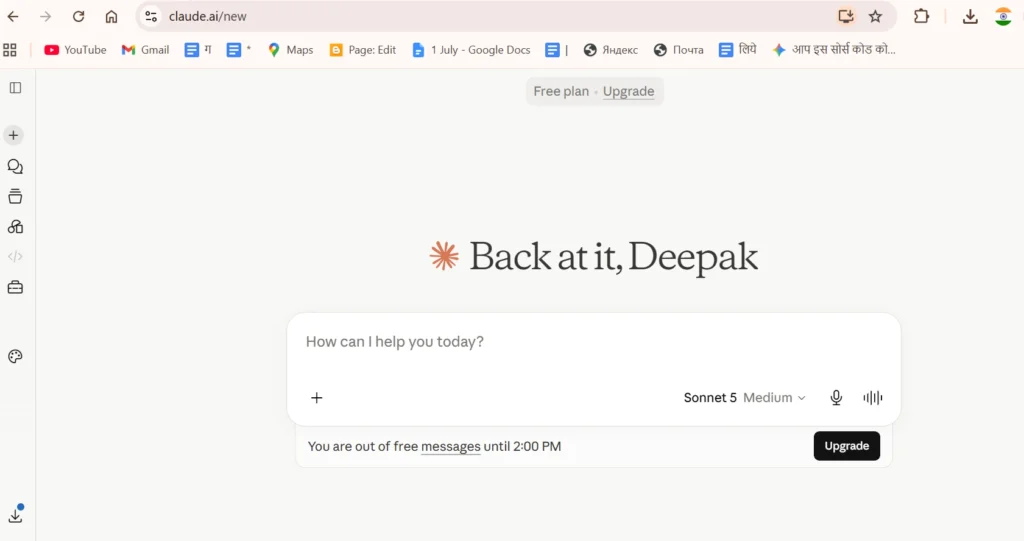
3. Claude AI
If your primary concern is making sure your content doesn’t read like it was written by a robot, Claude is your best choice.
Where other AI tools repeat the same sentence patterns, Claude varies sentence lengths like a skilled human writer. It avoids fluffy, pretentious words, saving you plenty of editing time later.
- Writing Style: Incredible control over tone. If you ask it to write in an “engaging, simple, yet thoughtful tone,” it hits the mark precisely.
- Pros: The most natural and human-sounding language among all free tools; its ‘Artifacts’ feature makes editing long-form articles seamless.
- Cons: Message caps on the free plan (around 15 to 40 messages every 5 hours), which might force brief breaks during continuous work sessions.
- Best For: Freelancers and writers who want output that requires minimal editing before client submission.
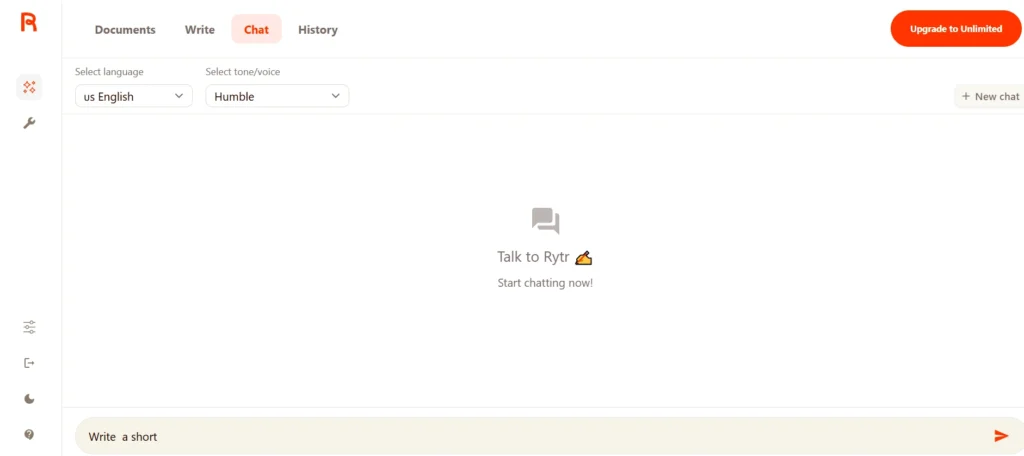
4. Rytr
Rytr isn’t built for long-form blogging; it’s designed to generate concise copy quickly.
It’s super easy to use: pick a use case, select a tone, and click generate. It’s the fastest way to get short-form content onto a blank page.
- Writing Style: Direct and to-the-point. Great for meta descriptions, ad copy, and captions, though it starts repeating itself if forced to write long articles.
- Pros: Very intuitive interface with plenty of ready-to-use templates.
- Cons: The monthly limit of 10,000 characters (around 1,500 words) gets used up quickly.
- Best For: Social media managers and anyone who only needs short captions or one-liners.
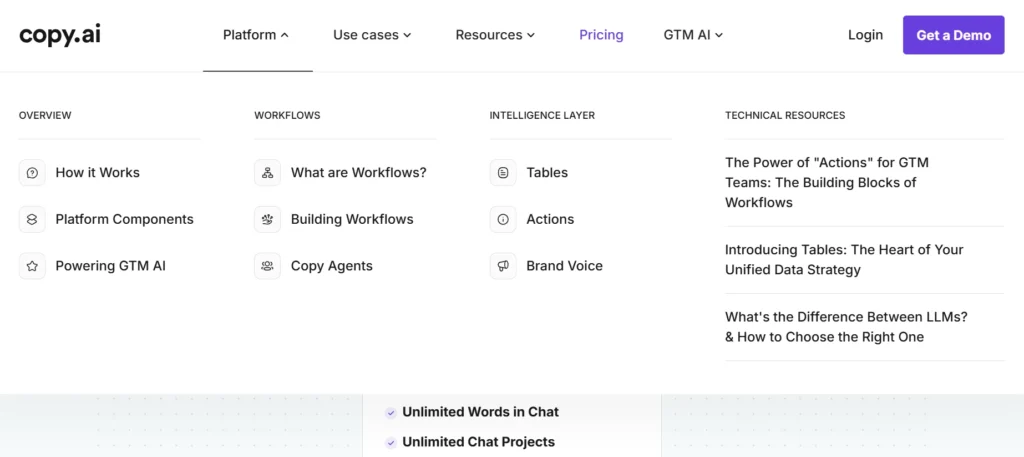
5. Copy.ai
Copy.ai was specifically built with marketing and sales needs in mind.
It excels at offering multiple angles for the same message. It’s extremely helpful when brainstorming landing page headlines or testing ad concepts.
- Writing Style: Persuasive, attention-grabbing, and customer-focused.
- Pros: Comes with ready-made marketing frameworks and generates multiple options at once.
- Cons: Offers a limited free allowance of only 2,000 words per month, which isn’t enough for regular blogging.
- Best For: Marketers writing sales emails, product descriptions, or ad copies.
3 Mistakes You Should Never Make When Writing with AI
- Publishing Without Proofreading: AI content always needs a human polish. Read it out loud once, and you’ll immediately spot where the phrasing feels off.
- Blindly Trusting Facts: AI can confidently state incorrect dates or statistics. Always double-check facts yourself.
- Skipping Personal Experience: AI can summarize existing internet knowledge, but it cannot share your personal experiences, unique insights, or original photos- and readers always value authentic experience.
Frequently Asked Questions (FAQs)
Does Google rank AI-generated content?
Yes. Google focuses on whether the content is helpful, accurate, and valuable to the reader- it doesn’t matter whether it was written by an AI or a human.
Do these free tools require a credit card to sign up?
No. All five tools mentioned here can be used without a credit card simply by signing up with your email address.
How do I prevent AI writing from sounding generic or academic?
Set clear instructions right from the start: “Use simple language, keep sentences short, write in a conversational tone, and avoid overly complex academic jargon.”
Which free AI tool writes the most naturally?
Based on my hands-on testing, Claude AI delivers the most natural, human-like writing tone.
Can AI completely replace human writers?
No. AI is an exceptional assistant for research and initial drafts, but it can never replace human judgment, real-life experience, and original thinking.