10 Best Free AI Voice Generators in 2026 (Hands-on Tested)

What is the Best Free AI Voice Generator in 2026?
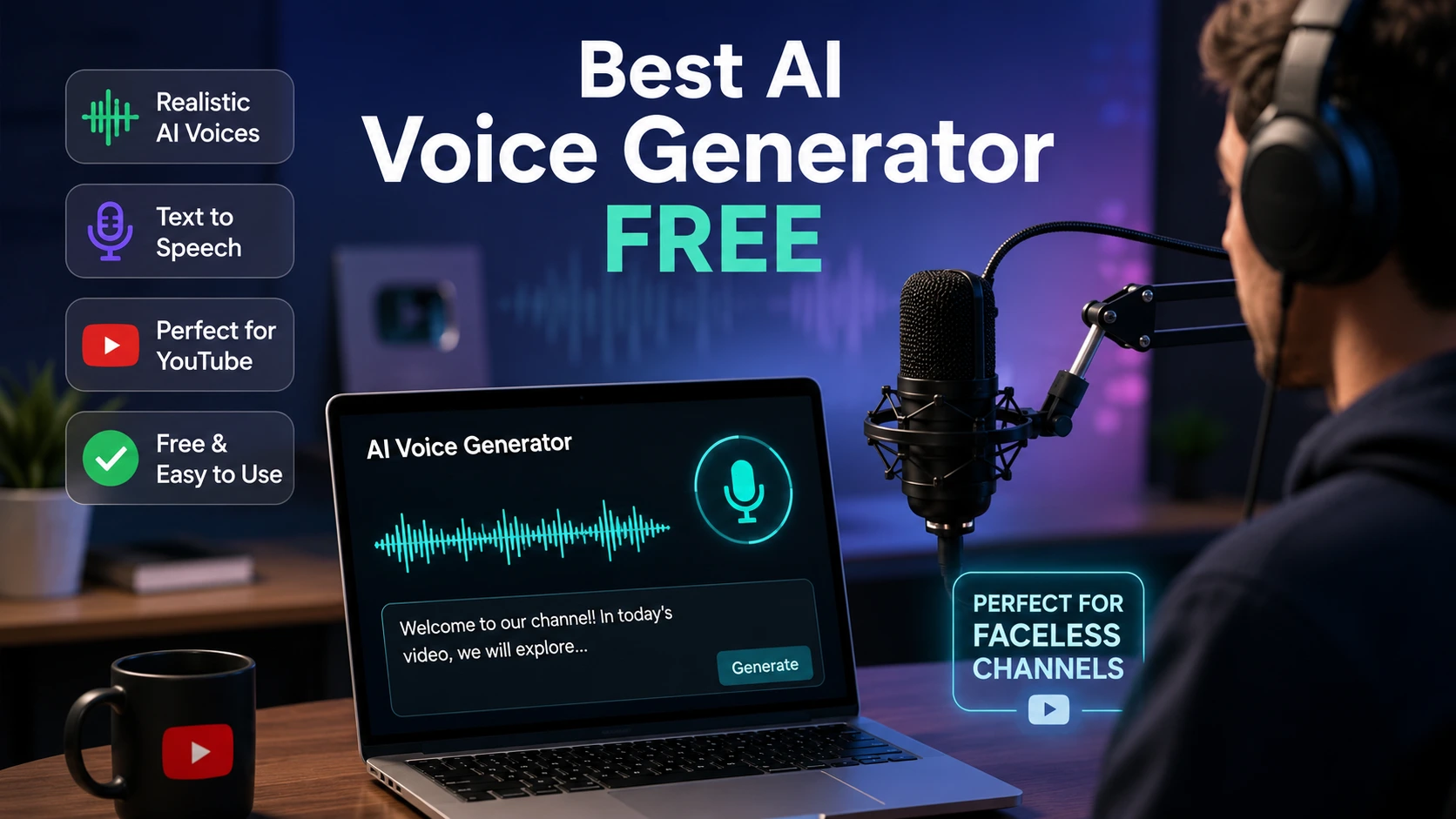
The Best Free AI Voice Generator Overall in 2026 is ElevenLabs. It produces the most human-like text-to-speech with natural breath sounds, emotional controls, and 10,000 free monthly characters.
For 100% free commercial use without character caps, TTSMaker (up to 20k chars/week) and CapCut AI Voice (unlimited in-editor) are the top picks for YouTube Shorts, Instagram Reels, and faceless video automation.
Finding a truly free AI voice generator that doesn’t sound like a metallic 2005 GPS system is one of the biggest challenges for content creators today. Most tools claim to be “free,” only to hide download buttons behind paywalls, restrict commercial licensing, or limit you to 30 seconds of audio.
Over the past three years, my team and I have built faceless channels, published over 150 audio articles, and tested dozens of synthetic voice engines.
To ensure real-world testing (not just marketing claims), we ran four standardized scripts through 22 AI voice tools over a 30-day period:
- YouTube Documentary Script (English): High tempo, multi-syllable numbers, historical dates, and dramatic pauses.
- Shorts & Reels Script (Conversational): High-energy hooks testing natural breath pauses and punchy emphasis.
- Hindi & Hinglish Script: Regional accent handling (“Hey guys, aaj hum baat karenge AI voiceovers ke baare mein…”).
- 10-Minute Tutorial Script: Long-form explainer text testing cadence flatlines over 1,500 words.
Comparison Table: Best Free Text-to-Speech Tools at a Glance
| Tool Name | Free Character Allowance | Voice Realism (1-10) | Commercial Rights on Free Tier? | Best Use Case |
| ElevenLabs | 10,000 chars / month | 9.8 / 10 | No (Attribution Required) | Storytelling & Documentaries |
| TTSMaker | 20,000 chars / week | 8.2 / 10 | Yes (100% Free) | YouTube Automation & News |
| CapCut AI Voice | Unlimited (In-App Editor) | 8.5 / 10 | Yes | Instagram Reels & TikTok |
| Google AI Studio TTS | Free API Tier Allocation | 9.1 / 10 | Yes | Tech Tutorials & Developers |
| Microsoft Clipchamp | Unlimited Free Exports | 7.8 / 10 | Yes | Quick YouTube Video Edits |
| PlayHT | 5,000 words / month | 9.2 / 10 | No | Podcasts & Long-form Narrative |
| Murf AI | 10 mins (No Download) | 8.9 / 10 | No | Corporate Presentations |
| Canva AI Voice | Free Design Credits | 8.0 / 10 | Yes | Social Media Graphics & Ads |
| Descript | 1 hour transcript / month | 8.8 / 10 | Yes | Podcast & Video Editing |
| Speechify | Web Preview Mode | 8.6 / 10 | No | Personal Reading & Study |
Detailed Reviews: 10 Best Free AI Voice Generators
1. ElevenLabs : The Undisputed King of Realistic AI Voices
My Experience: When I ran our documentary script through ElevenLabs using the “Adam” and “Rachel” neural models, even our professional audio editor couldn’t spot the artificial cadence. The subtle intake of breath between clauses and dynamic emotional inflections make it unmatched.
- Free Plan Allowance: 10,000 characters per month (~10 minutes of audio).
- Voice Realism Rating: 9.8 / 10
- Commercial Rights: Requires the $5/month Starter plan, or mandatory attribution on the free tier.
- Pros: Unbelievable human depth, supports 29+ languages, excellent Hindi/Hinglish accent handling.
- Cons: The 10,000 character limit exhausts quickly on longer scripts.
- Verdict: Best for high-production YouTube channels, audiobooks, and documentaries.
2. TTSMaker : Best 100% Free Tool for Commercial Use
My Experience: TTSMaker is my top pick for creators working on a zero budget. While some of its default public voices sound standard, its “Pro Neural” engines are surprisingly clean. I pasted a 2,000-word Hinglish script, selected the Indian English voice, and received a clean MP3 file in seconds—completely free with no sign-up needed.
- Free Plan Allowance: 20,000 characters per week (~80,000 characters monthly).
- Voice Realism Rating: 8.2 / 10
- Commercial Rights: Fully allowed on the free plan.
- Pros: No sign-up required, direct MP3 downloads, 100% free commercial rights.
- Cons: Lacks granular micro-pause or emotional editing controls.
- Verdict: The best zero-budget choice for faceless YouTube automation and news channels.
3. CapCut AI Voice : Essential for Reels & Shorts Creators
My Experience: When producing short-form content for Instagram Reels or TikTok, exporting audio back and forth between apps eats up time. CapCut solves this by generating synced text-to-speech directly on your video editing timeline. Their “Trickster” and “Chill Girl” voices are viral staples.
- Free Plan Allowance: Unlimited usage inside the CapCut desktop and mobile app.
- Voice Realism Rating: 8.5 / 10
- Commercial Rights: Permitted for social media video uploads.
- Pros: Built directly into the video timeline with instant auto-captions.
- Cons: You cannot easily export a standalone MP3 audio file without video.
- Verdict: Best for TikTok, YouTube Shorts, and Instagram Reels creators.
4. Google AI Studio TTS (Gemini API) : Developer Powerhouse
My Experience: I generated an API key inside Google AI Studio and tested their multi-speaker text-to-speech models. Its capability to handle technical coding tutorials and natural Indian English pronunciations beat almost every commercial web app.
- Free Plan Allowance: Generous free developer API tier.
- Voice Realism Rating: 9.1 / 10
- Commercial Rights: Yes (governed by Google Cloud terms).
- Pros: Extreme customizability, multi-speaker conversational flow.
- Cons: Requires setting up a basic API key inside the Google developer console.
- Verdict: Ideal for tech-savvy creators and developers building automated workflows.
5. Microsoft Clipchamp : Built-in Free Windows Voice Generator
My Experience: Built directly into Windows 11, Clipchamp uses Microsoft Azure’s Neural Speech engine. When I tested its text-to-speech feature, it gave me over 170 natural-sounding voices across 70+ languages with full speed adjustment.
- Free Plan Allowance: Unlimited free video exports.
- Voice Realism Rating: 7.8 / 10
- Commercial Rights: Yes, for exported videos.
- Pros: 100% free with zero watermarks or export limits.
- Cons: Lacks emotional voice control and precise pause tweaking.
- Verdict: Perfect for beginners making simple YouTube explainer videos.
6. PlayHT : Excellent for Long-Form Narration & Podcasts
My Experience: PlayHT excels at conversational, narrative speech. During our 10-minute tutorial testing, its voice models maintained a steady tone without introducing unnatural robotic dips or pitch drops over long paragraphs.
- Free Plan Allowance: 5,000 free words per month.
- Voice Realism Rating: 9.2 / 10
- Commercial Rights: Non-commercial on the free plan (Attribution required).
- Pros: High-fidelity voice engine with solid multi-language options.
- Cons: Free plan does not allow commercial downloads.
- Verdict: Ideal for podcasters testing audio scripts before publishing.
7. Murf AI : Best for Corporate Presentations & E-Learning
My Experience: Murf’s pitch controls, emphasis tweaking, and slide-syncing timing tools are top-tier. However, the free plan restricts file downloads, functioning primarily as an in-browser sandbox.
- Free Plan Allowance: 10 minutes of voice generation (Downloads disabled).
- Voice Realism Rating: 8.9 / 10
- Commercial Rights: Paid plans only.
- Pros: Built-in slide timing editor and high pronunciation accuracy.
- Cons: You cannot download MP3 files on the free plan.
- Verdict: Best for corporate trainers testing voice styles before committing.
8. Canva AI Voice : Quick Design-Integrated TTS
My Experience: If you already design social media slides or video graphics in Canva, its integrated text-to-speech app generates clean narration directly onto your visual timeline.
- Free Plan Allowance: Included with free Canva AI design credits.
- Voice Realism Rating: 8.0 / 10
- Commercial Rights: Yes, covered under Canva’s commercial usage policy.
- Pros: Zero file transfers needed—audio drops right into your design.
- Cons: Basic voice customization sliders.
- Verdict: Best for graphic designers and social media managers creating video ads.
9. Descript : Best for Podcast Editing & Transcript Control
My Experience: Descript lets you edit audio files by editing written text. Cloning my own voice allowed me to fix misspoken words in recorded podcasts simply by typing the correction into the transcript.
- Free Plan Allowance: 1 hour of transcript generation per month.
- Voice Realism Rating: 8.8 / 10
- Commercial Rights: Yes.
- Pros: Powerful transcript-based video and voice editing system.
- Cons: Has a steeper learning curve than simple web TTS tools.
- Verdict: Best for podcasters and video essayists needing script correction.
10. Speechify : Best for Reading & Personal Consumption
My Experience: Speechify is built primarily for reading comprehension and speed-listening. While it features celebrity-like voice options and ultra-clear speech, its studio editor is geared more toward reading than dramatic video production.
- Free Plan Allowance: Web reading preview credits.
- Voice Realism Rating: 8.6 / 10
- Commercial Rights: Paid plans only.
- Pros: Exceptional reading clarity and multi-device synchronization.
- Cons: Studio audio export prices are high for solo creators.
- Verdict: Best for students, researchers, and personal productivity.
YouTube Monetization & AI Voice Policies in 2026
One of the most frequent questions I receive at The AI Quest is: “Will YouTube demonetize my channel if I use an AI voice?”
Here is the truth based on YouTube’s current guidelines:
- YouTube DOES allow AI voices: YouTube does not penalize videos simply because the voice is synthetic.
- YouTube DOES penalize low-effort content: If you pair an unedited robotic voice with static photos or automated slideshows, your channel will be flagged for Reused / Repetitive Content.
- Check Commercial Licensing: Never use ElevenLabs’ free plan for monetized videos without upgrading to their $5 Starter tier or providing proper attribution. For 100% free commercial clearance, use TTSMaker or Clipchamp.
Common AI Voice Over Mistakes to Avoid
- Skipping Micro-Pauses: Raw AI text runs through sentences without breathing. Always add comma breaks, ellipsis points (…), or pause tags (
[pause: 0.5s]) to make it sound human. - Using Overused Default Voices: Millions of creators use ElevenLabs’ default “Adam” voice. Audiences recognize it instantly. Pitch it down slightly or pick lesser-known voice clones to stand out.
- Ignoring Audio Level Normalization: AI audio exports often come out quiet. Always run your rendered MP3 file through a free tool like Audacity to bring audio levels up to YouTube standards (-14 LUFS).
Frequently Asked Questions (FAQs)
Q1: Which AI voice generator sounds most human in 2026?
ElevenLabs is the undisputed leader for realistic AI voice generation. Its neural models simulate real human breath, cadence, and emotion better than any competitor.
Q2: Is there a 100% free AI voice generator with commercial rights?
Yes. TTSMaker offers up to 20,000 free characters per week with full commercial rights. CapCut and Microsoft Clipchamp also offer free text-to-speech within their video editors.
Q3: Which free AI voice generator requires no sign-up?
TTSMaker allows you to type your text, choose a voice, and download an MP3 audio file immediately without creating an account or entering an email address.
Q4: Which AI voice tool works best for Hindi and Hinglish?
Both ElevenLabs and Google AI Studio (Gemini TTS) deliver exceptional natural pronunciations for Hindi and mixed Hinglish scripts without sounding mechanical.
Q5: Can I clone my own voice for free?
Yes. ElevenLabs allows you to create instant voice clones using a short 1-minute audio recording, providing free custom voice slots on basic accounts.
Final Verdict & Action Steps
- If you want cinematic, production-grade quality for storytelling or documentaries: Use ElevenLabs (Upgrade to the $5/mo plan once you start uploading monetized videos).
- If you are on a $0 budget building faceless YouTube automation channels: Use TTSMaker for raw audio downloads or Clipchamp for complete video editing.
- If you create Shorts, Reels, or TikToks: Stick with CapCut AI Voice for speed and auto-caption integration.