The AI Quest - Explore. Compare. Master the AI Era.
Latest Blogs
Explore. Compare. Master the AI Era.
Explore. Compare. Master the AI Era.
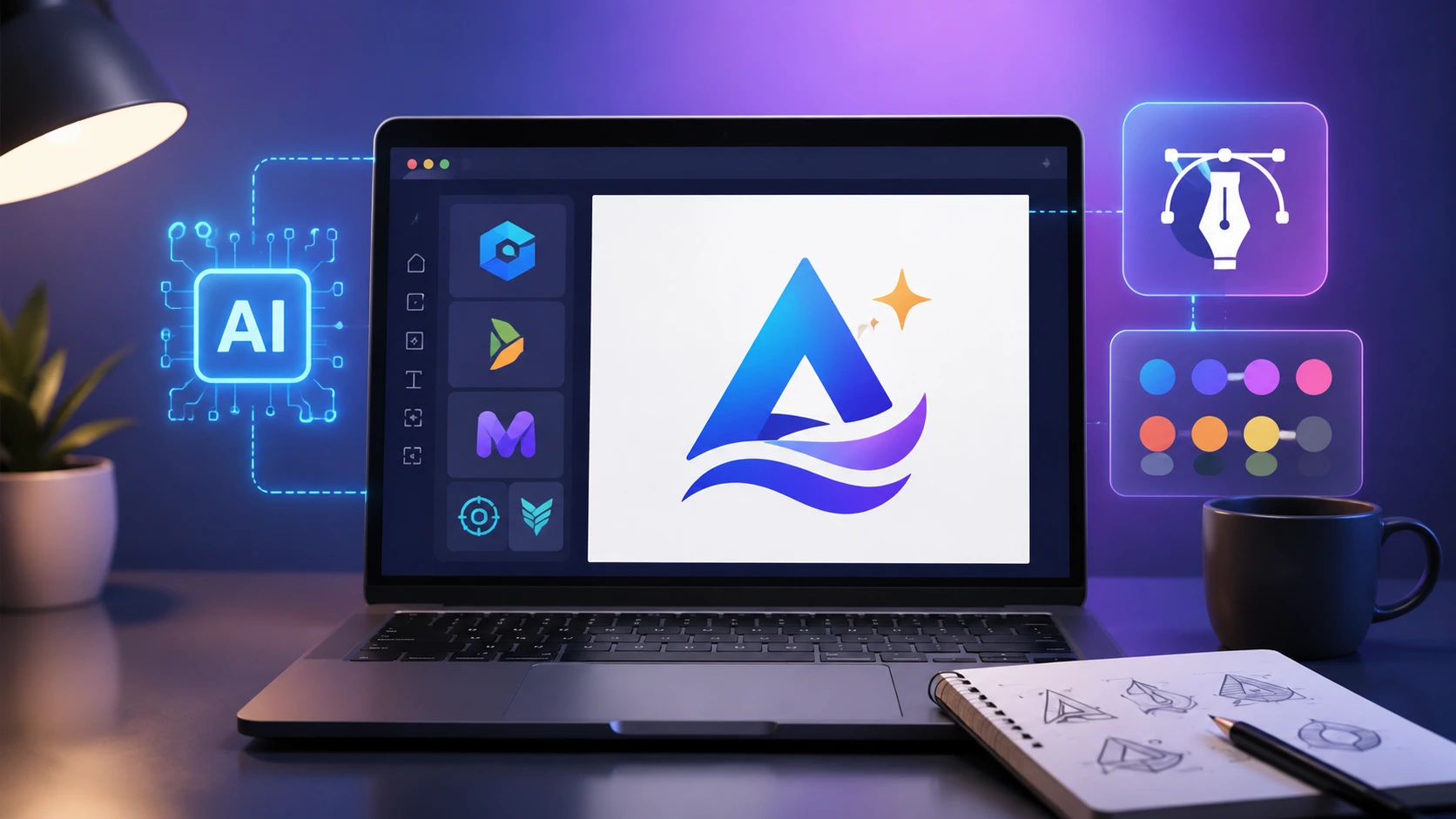
If you are starting a business, YouTube channel, website, or startup, one of the first things you need is a good logo. But hiring a professional designer can cost thousands of rupees. Many online logo makers let you create a design for free but ask for payment when you try to download it.
This is where AI logo generators can help. You can use them to create logo ideas based on your brand name, preferred colours, and design style in just a few minutes.
However, not every free AI tool offers high-quality downloads or allows commercial use without restrictions. Let’s look at some useful AI logo generators in 2027.
An AI logo generator is a tool that creates logo designs based on your instructions, also called prompts.
You simply enter details such as your brand name, business category, preferred colours, and logo style. The AI then creates different design options for you.
For example, if you own a coffee shop, you can ask it to create a vintage-style logo featuring a coffee cup and your shop’s name.
Ideogram is a useful option if you want your brand name to appear clearly in your logo. It is particularly helpful for designs that include text and creative typography.
Key Features:
Best for: Businesses and creators who want their brand name to appear clearly in the logo.
Recraft AI is a useful tool for creating vector designs. It supports SVG generation and editing, making it suitable for logos that need to be resized without losing quality.
Key Features:
Best for: Designers and users who need vector logo concepts.
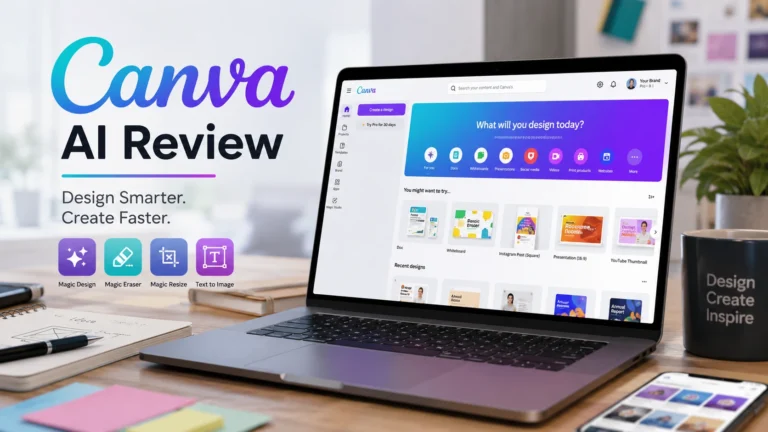
Canva is a good choice for people who do not have much design experience. You can create logo ideas with AI and then edit the text, colours, and other elements using its editor.
Key Features:
Best for: Small businesses, social media managers, and new creators.
ChatGPT can help you plan logo ideas and create design concepts. You can also use its image generation feature to turn those ideas into visuals.
You can ask it to change colours, styles, or icons according to your needs. However, image generation is limited on the free plan.
Best for: People who want logo ideas, branding suggestions, and design changes through simple conversations.
Looka is a guided logo maker. You enter your business category, brand name, and preferred colours. It then shows you different logo designs.
You can explore various options, but downloading high-quality logo files generally requires payment.
Best for: People who want to explore logo designs and branding ideas quickly.
Follow these simple steps to create your own logo:
Step 1: Decide Your Brand Style
Write down your brand name, business category, and preferred colours.
Step 2: Choose the Right AI Tool
Try Ideogram or Recraft to create logo designs using text prompts.
Step 3: Generate Different Designs
Do not stop at the first result. Try different prompts and compare the designs.
Step 4: Check and Edit Your Logo
Check the brand name and spelling carefully. If needed, use Canva to make changes.
Step 5: Download the Right File Format
Use PNG for websites and social media. For printing, prepare an SVG file.
You can copy these prompts and use them in an AI logo generator.
1. Logo for a Tech Startup
Minimalist vector logo for an AI technology startup named Aura, abstract geometric icon, blue and white colour palette, clean typography, flat design, simple white background.
2. Logo for a Coffee Shop
Vintage coffee shop logo for Roast & Steam, circular badge, coffee cup and coffee beans illustration, warm brown and cream colours, clean vector style.
3. Logo for a Fashion Brand
Luxury fashion brand logo, elegant monogram using letters V and R, minimal serif typography, black and gold colour palette, clean and premium design.
It depends on the licensing terms of the AI tool you use.
For example, designs created with Recraft’s free plan are not licensed for commercial use. Canva also has specific terms for using AI-generated designs.
Before using a logo for your business, check the tool’s latest licensing policy. You should also make sure that your design does not closely match another company’s logo or trademark.
PNG is an image format made of pixels. If you enlarge it too much, the image may look blurry.
SVG is a vector format. You can resize it without losing image quality.
For websites and social media, PNG is a useful choice. For banners, T-shirts, and printing, SVG is generally better.
If you want to create a logo with your brand name, try Ideogram. Recraft is useful for vector designs, while Canva is a good option for editing logos and creating social media graphics.
Remember, the first design generated by AI may not be your final logo. Check how it looks at a small size, test it in black and white, and make sure the brand name is spelled correctly.
For a large business, it is also worth getting the final design reviewed by a professional and checking trademark availability.
Are AI logo generators really free?
Yes, many AI logo generators offer free credits or limited features. However, download options and commercial-use rights may vary.
How can I create a logo without a watermark?
Choose a tool that allows watermark-free downloads under your current plan. Always check its download conditions before creating your final logo.
Is PNG or SVG better for a logo?
PNG works well for websites and social media. SVG is a better choice for printing and large banners.
Can I use an AI-generated logo for my business?
Yes, but it depends on the tool’s licensing terms. Always check commercial-use permissions and make sure your logo does not copy another brand’s trademark.