The AI Quest - Explore. Compare. Master the AI Era.
Latest Blogs

Explore. Compare. Master the AI Era.
Explore. Compare. Master the AI Era.
Read our HeyGen AI review for 2026. Explore its features, AI Avatars, pricing, free plan, pros and cons, and real testing experience.
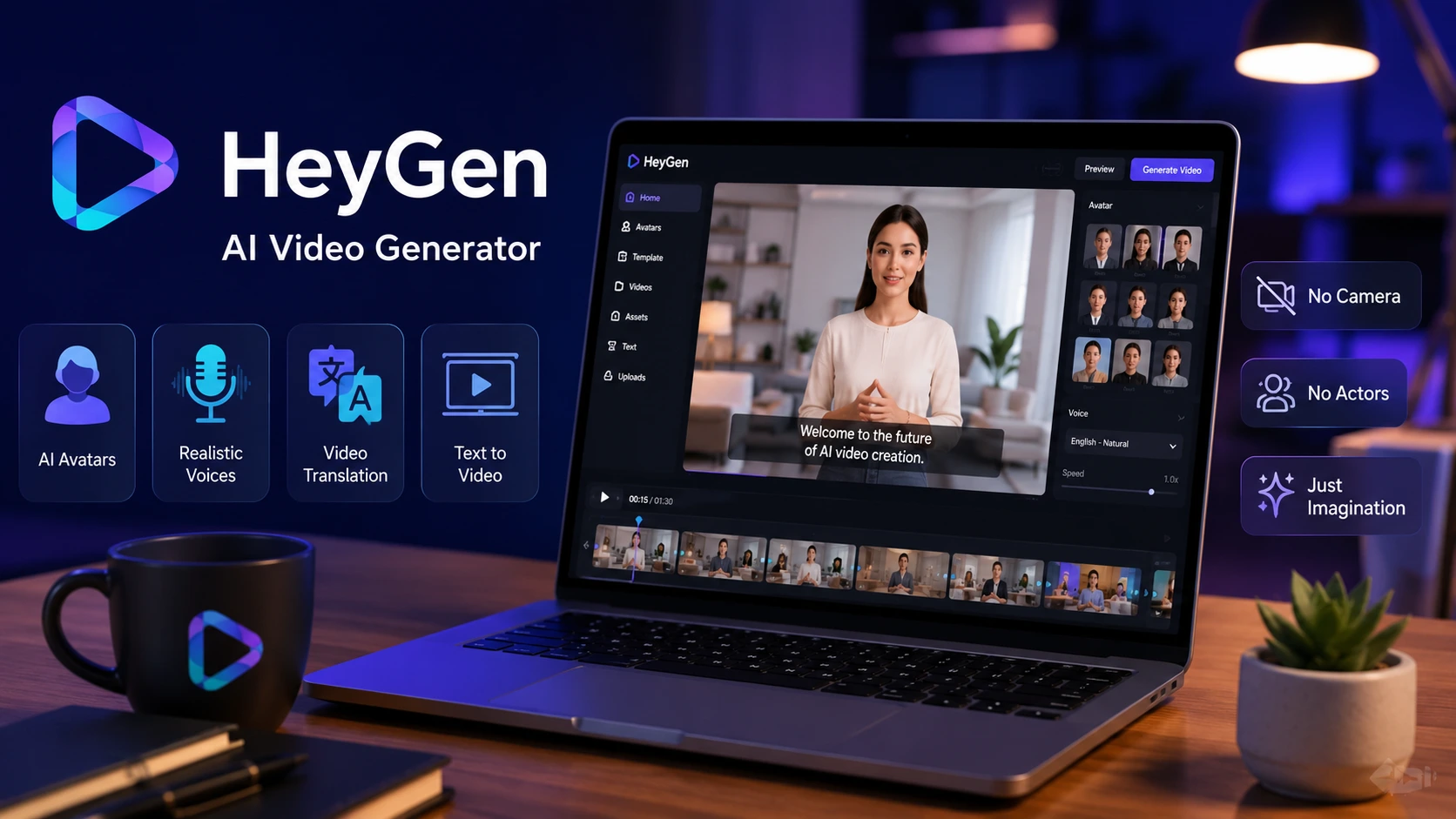
Creating videos has become much easier than before. You no longer need a camera, studio, good lighting, or a video editor for every video. With AI tools, you can turn a written script into a video. One such tool is HeyGen AI Video Generator.
I used HeyGen AI to create different types of videos. These included blog explainer videos, social media reels, presentations, and videos in different languages. Some results were really good, while a few still needed improvement.
In this review, I am sharing my hands-on experience. We will look at how HeyGen AI works, its main features, what you get in the free plan, and whether its paid plans are worth the money.
HeyGen AI is an AI Video Generator that helps you create videos with talking human-like avatars without using a camera. You do not need to sit in front of a camera and record yourself.
You can write a script, choose an AI Avatar, and select a voice. HeyGen then turns your script into a video.
Apart from text-to-video, it also offers features like turning photos into talking avatars, voice cloning, and creating your own Digital Twin.
This means you can use one platform to create videos for YouTube, Instagram, online courses, and company training.
To understand HeyGen better, our team spent more than 40 hours testing it. During this time, we created 28 video projects and tested Avatar III, Avatar IV, and Custom Digital Twin.
We created product explainer videos, social media shorts, and company training videos. We also tested how the tool works in English, Spanish, German, and Japanese.
Here are some key things we noticed during testing.
1. Easy to Get Started: HeyGen has a clean and simple dashboard. Even new users can understand its features without much trouble. After creating an account, we prepared our first video draft within a few minutes.
2. Better Avatar IV Quality: Compared to Avatar III, Avatar IV showed more natural facial expressions, eye movements, and lip sync. The small facial movements while speaking also made the videos look more realistic.
3. Video Generation Speed: During our testing, a normal one-minute 1080p video took around 90 to 120 seconds to generate. Videos with 4K quality and multiple scenes took around 3 to 4 minutes.
However, the results were not the same every time. We had to change the script in some cases, and a few avatar expressions did not look as natural as expected. Fast hand movements also looked slightly artificial at times.
HeyGen offers several features that help you create videos for different needs.
This feature lets you turn a person’s photo into a talking AI Avatar. You just need to upload a photo and write your script. HeyGen then turns the photo into a video with voice and facial expressions.
This feature is useful for people who want to create presentations or social media videos without using a camera.
Video Agent is one of the most useful features of HeyGen. You do not need to create every video scene yourself.
You can enter an idea or upload a PDF or PowerPoint file. The AI then creates video scenes, selects an avatar, and adds B-roll footage and subtitles where needed.
If your video is in English and you want to share it in Hindi or another language, HeyGen’s Translation feature can help.
It changes the video’s voice into another language. It also adjusts the avatar’s lip movements to match the new language.
With Voice Cloning, you can also create an AI voice that sounds like your own voice.
The Digital Twin feature lets you create a digital version of yourself. For this, you need to record a video and upload it to HeyGen.
The AI uses your face and speaking style to create a digital avatar. After that, you can write a new script and generate videos using the same avatar.
HeyGen’s AI Studio is a text-based video editor. It makes editing video scripts quite simple.
If you want to change a line, you can edit the text and update the video. This saves you from recording the same video again and again.
Pros
Cons
HeyGen offers both free and paid plans. Paid plans come with a fixed number of monthly credits that you can use to create videos.
| Plan | Price (Per Month) | Main Features |
|---|---|---|
| Free | $0 | 3 videos, up to 1 minute each |
| Creator | $29 | 600 credits, 1080p |
| Pro | $49 | 1,000 credits, 4K |
| Business | $149 | 1,500 credits, 4K |
Keep in mind that prices and credits may change over time. Annual billing may also offer different prices.
Here is how the credit system works:
So, before choosing a paid plan, check how many videos you plan to create every month.
HeyGen can be useful for different types of users.
However, if you want to create action movies, cinematic videos, or videos with real human acting, HeyGen may not be the right choice.
When compared with other AI video tools, HeyGen’s biggest strengths are AI Avatars and video translation.
| Feature | HeyGen | Synthesia | Descript |
|---|---|---|---|
| Main Use | AI Avatar Videos | Corporate Videos | Video Editing |
| Stock Avatars | 700+ | 125+ | Not Available |
| Video Translation | 175+ languages | 140+ languages | 23 languages |
| Starting Price | $29/month | $29/month | $24/month |
If your main goal is to create AI avatar videos and translate them into different languages, HeyGen is a good option. For traditional video editing, Descript may be more useful.
Based on our testing, HeyGen AI is a useful tool for people who want to create presentations, explainer videos, and social media content in less time.
Its Avatar IV and Video Agent features are especially useful. Features like video translation and Digital Twin also make it different from many other AI Video Generators.
However, its credit system can become expensive. So, if you plan to create long videos or 4K videos regularly, choose a plan based on your actual needs.
Our Ratings
| Category | Rating |
|---|---|
| Avatar Quality | 4.9/5 |
| Speed and Features | 4.8/5 |
| Value for Money | 4.5/5 |
| Overall Rating | 4.7/5 |
1. What is HeyGen AI Video Generator?
HeyGen is an AI Video Generator that turns text, scripts, and photos into videos with talking AI Avatars.
2. Can I use HeyGen AI for free?
Yes. HeyGen offers a free plan. You can create three videos per month, with each video up to one minute long. These videos include a watermark.
3. Can I create Hindi videos with HeyGen AI?
Yes. HeyGen supports many languages. You can use it to create videos in Hindi and translate videos into other supported languages.
4. Can I create my own AI Avatar in HeyGen?
Yes. With the Digital Twin feature, you can upload a short video clip and create your own digital avatar.
5. How much does the HeyGen Creator plan cost?
According to the pricing details covered in this review, the Creator plan costs $29 per month and includes 600 monthly credits.
6. Can beginners use HeyGen AI?
Yes. Its dashboard and text-based editor are easy to use. Even people with no video editing experience can create videos with HeyGen.