10 Free AI Tools for Video Editors & YouTubers

10 Free AI Tools for Video Editors: If you create videos for YouTube or social media, you know where most of the time goes. Recording the video is only one part of the job.
The real time starts after that, when you sit down to edit it.
You have to cut the unwanted parts, fix mistakes, add subtitles and clean the audio. Then comes another task. You need to turn the same long video into Shorts and Reels.
For a solo creator, it can easily take up the entire day.
This is where AI video tools have become really useful in 2026.
Based on our hands-on testing, CapCut AI is still one of the easiest options for beginners. It brings video editing and AI features together in a simple interface.
If you are just getting started, you can learn it without spending hours figuring out how everything works.
But the requirement changes when you already have long-form videos.
If your main goal is to quickly turn those videos into Shorts or Reels, Opus Clip is a much better fit. It can find the interesting parts of a long video and turn them into short clips with very little manual work.
How AI Video Tools Changed Content Creation in 2026
A few years ago, making a good YouTube video was a much slower process. You had to manually find the silent parts, remove mistakes, create subtitles and clean up the audio.
Even making a simple vertical version for Shorts meant going back to the editing timeline and doing the work again.
I have seen how much time these small tasks can take. And when you are creating content regularly, this becomes a real problem. You spend more time editing old content and less time creating something new.
That is what has changed with AI.
Today, AI can take care of many of these repetitive editing tasks. It can find useful parts of a video, create subtitles, reduce background noise and help turn a long video into short-form content. You still need to review the final video, but the amount of manual work is much lower.
At The AI Quest, we spent weeks testing some of the most popular AI video tools. We used them with different types of content and looked at what they could actually do, not just what they promised.
Some tools worked better for beginners. Some were great for Shorts and Reels. Others made more sense for professional video editing.
So, we did not simply pick the 10 most popular names. We selected the 10 AI video tools that genuinely helped us save time and make the editing process easier.
If you are a new YouTuber, a social media creator or a professional video editor, this guide will help you understand which tool is actually worth trying for your work.
Why YouTubers Must Leverage AI Video Tools in 2026
In today’s hyper-competitive digital landscape, relying solely on long-form uploads is no longer enough to scale a channel. To build an audience rapidly, you need to repurpose your main content into shorts, stay active on Instagram Reels, and maintain a highly consistent publishing schedule. For a solo creator, this cross-platform demand is nearly impossible to handle alone.
AI tools act as a force multiplier because they handle the heavy lifting:
- Flawless Auto-Captions: Generate beautifully styled animated subtitles in seconds.
- Smart Content Repurposing (Long-to-Short): Instantly extract 5 to 10 context-aware shorts from one long video.
- Studio-Quality Audio Cleanup: Wipe out ambient noise, hums, and echo instantly.
- Text-Based Timeline Editing: Edit your video simply by deleting words from the generated text transcript.
Quick Comparison Table of Free AI Video Tools
| AI Tool | Best Feature | Free Version Limitations |
| Opus Clip | AI Shorts Generator | Limited minutes; Watermark applied on all free exports |
| CapCut AI | Complete Free AI Editing Suite | Most advanced AI features are entirely free |
| Adobe Premiere Pro AI | Text-Based Editing | 7-Day Free Trial only |
| Descript | Document-Style Editing | Free plan with restricted monthly export limits |
| Veed.io | Auto-Subtitle Generator | Free plan includes watermark and restricted downloads |
| Clipchamp | Microsoft Native Editor | 100% Free 1080p HD exports with no watermarks |
| Runway | Advanced AI Video Generation | Limited non-renewable free credits |
| InVideo AI | Text/Script-to-Video Creator | Limited generation with stock watermarks |
| Wondershare Filmora AI | Smart Editing & AI Copilot | Free export features a prominent watermark |
| AutoPod | Multi-Cam Podcast Automator | Time-limited free trial only |
Detailed Reviews of the Top 10 AI Video Tools
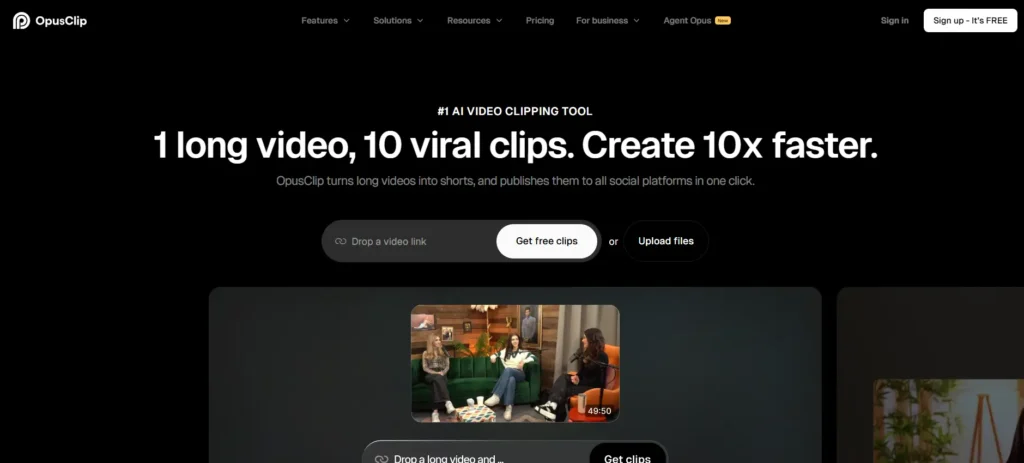
1. Opus Clip: Best for Shorts & Reels
What it does:
Opus Clip takes any long-form YouTube link or uploaded video file and uses semantic AI to automatically clip, crop, and curate the most viral segments into short-form assets.
- Key Features: AI Viral Score forecasting, dynamic auto-captions, smart auto-reframing (keeping faces perfectly centered).
- Pros: Generates multiple, highly engaging shorts complete with trendy text layouts in a single click.
- Cons (Honest Review): In the free tier, a watermark is applied to every export. It is ideal for evaluating the tool’s clipping accuracy before committing to a paid tier.
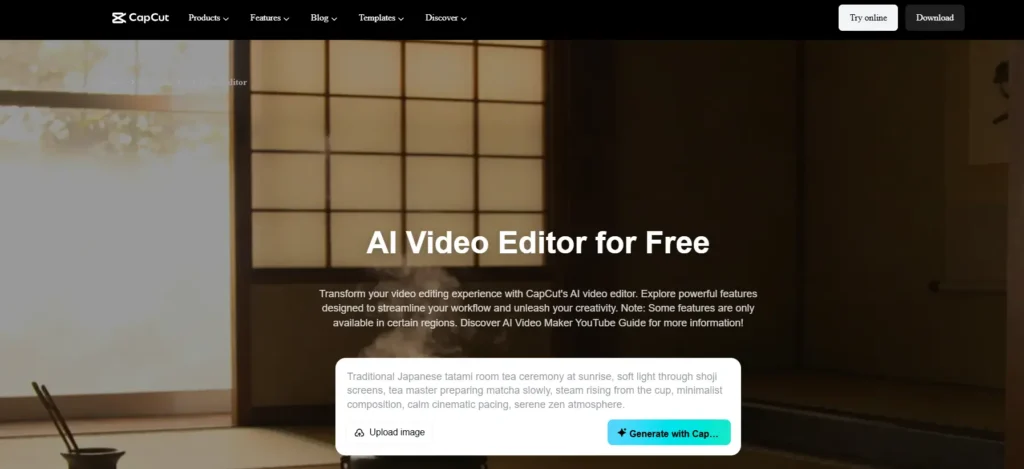
2. CapCut AI: Best All-in-One Video Editor
What it does:
For creators who need a professional-grade post-production suite without upfront software costs, CapCut AI provides an incredible layout on both desktop and mobile.
- Key Features: Multi-language auto-captions, instant AI background removal, massive template ecosystem, and highly realistic text-to-speech engines.
- Pros: Incredibly intuitive interface, highly responsive timeline, and the vast majority of its powerful AI features are completely un-paywalled.
- Cons: Depending on your country of operation, unlocking the desktop version’s full asset library might require utilizing a reliable VPN.
3. Adobe Premiere Pro AI: Best Text-Based Editing
What it does:
The industry-standard desktop editor integrates deeply optimized neural engines tailored explicitly to speed up professional workflows.
- Key Features: Text-Based Editing (cutting the video clip seamlessly by just highlighting and deleting words from the auto-transcript), and Enhance Speech.
- Pros: Enhance Speech isolates dialogue so cleanly it sounds like it was tracked in an acoustic studio booth. Unmatched tracking precision.
- Cons: Premiere Pro requires a premium Creative Cloud subscription. The AI features can be tested under a standard 7-day free trial.
4. Descript: Best for Podcasts & Talking-Head Videos
What it does:
Descript treats video editing like editing a text document. If you know how to copy and paste text in Word, you can edit multi-track footage here.
- Key Features: Transcript-based multi-cam clipping, AI voice cloning (Overdub), built-in studio sound leveling, and automated filler word removal.
- Pros: Cleans up vocal imperfections—instantly deleting every accidental “um,” “uh,” and awkward silence across an entire recording with a single button.
- Cons: The free tier tier enforces tight monthly export allowances on transcription hours.
5. Veed.io: Best Online Subtitle Generator
What it does:
Veed.io operates directly out of your internet browser, removing the need for high-end local computer hardware to process heavy timelines.
- Key Features: Dynamic subtitle styling templates, instantaneous AI translations, and an on-screen video compressor.
- Pros: Zero system installation required; ideal for fast turnaround social media cut-downs on low-spec laptops.
- Cons: Free account exports are strictly limited in resolution and include a visible watermark.
6. Clipchamp: Best Free Windows Editor
What it does:
Microsoft’s native, built-in editor comes pre-installed on Windows 11 and serves as a highly robust baseline utility for content creation.
- Key Features: High-fidelity text-to-speech voiceovers, native social platform framing presets, and rapid automated captioning.
- Pros: Unlike almost every browser-based competitor, it allows creators to export 1080p HD videos with absolutely zero watermarks for free.
- Cons: Lacks the highly granular, heavy-duty tracking or neural generation mechanics required by advanced colorists or effects editors.
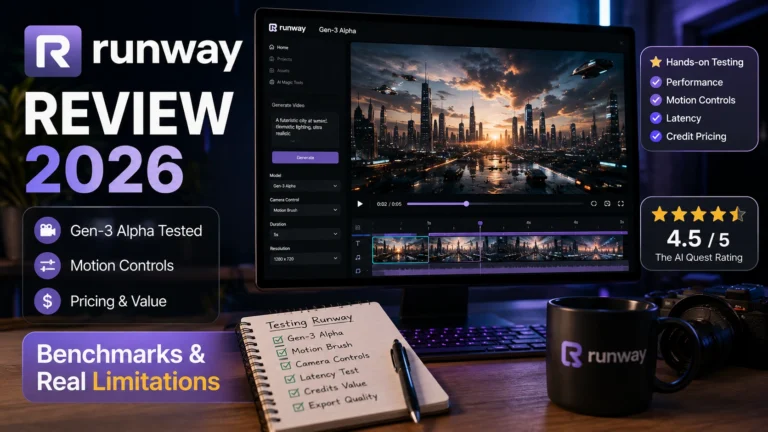
7. Runway: Best AI Video Generation Tool
What it does:
Runway is a pioneer in generative AI, focusing on creating cinematic clips from simple text prompts rather than simply slicing existing footage.
- Key Features: State-of-the-art text-to-video engines, video expansion capabilities, smart object erasure, and integrated green-screen keys.
- Pros: Delivers incredibly rich, cinematic visual compositions that are perfect for b-roll or surreal marketing graphics.
- Cons: Processing demands a steep learning curve, and the complimentary signup credits exhaust very quickly.
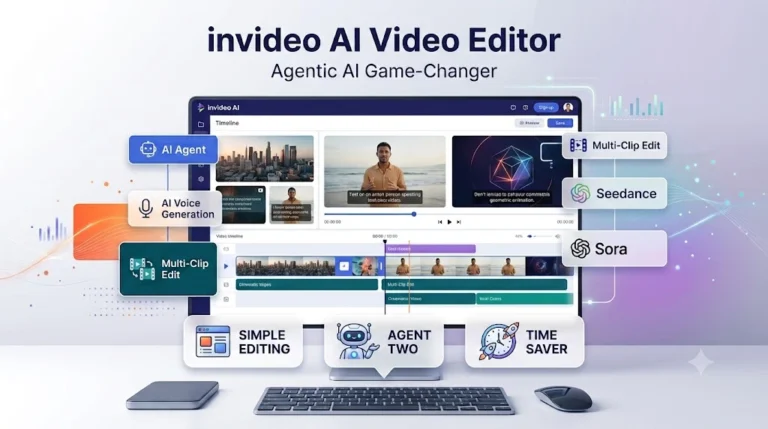
8. InVideo AI: Best AI Script-to-Video Creator
What it does:
InVideo AI translates a rough concept, an article URL, or a full script directly into a fully produced video asset complete with media and music.
- Key Features: Automated thematic scriptwriting, automatic stock media matching, and naturalistic AI voice narrations.
- Pros: An exceptional asset for operators running faceless automation channels or generating quick ad creatives without stepping in front of a camera.
- Cons: Free video generations carry stock-media placeholders and platform watermarks.
9. Wondershare Filmora AI: Best Smart Desktop Editor
What it does:
Filmora has consistently served as a beloved bridge between absolute beginners and seasoned pros, now heavily augmented with intuitive assistant engines.
- Key Features: AI Copilot Editing (interact with the software via a chat box to execute commands), AI thumbnail generation, and smart cutout brush tools.
- Pros: Exceptionally smooth rendering engine, a clean graphical user interface, and highly visually striking drag-and-drop effects.
- Cons: The trial version prints a very large branding watermark directly across the center of your final export.
10. AutoPod: Best for Podcast Editors
What it does:
AutoPod is an automated extension built specifically for Adobe Premiere Pro that completely automates multi-camera interview editing.
- Key Features: Automatic multi-camera video switching, social clip creation arrays, and structural podcast workflow saving.
- Pros: Automates what usually takes days. It analyzes who is actively speaking into their mic and switches camera angles natively on the fly.
- Cons: A strictly premium plug-in designed for high-volume studios; no long-term free tier exists outside its introductory trial.
Editorial Verdict: Which Free AI Video Tool Fits Your Workflow?
After analyzing every software feature in real-world environments, we find that the right selection depends entirely on your current creation goals:
- If you are starting out with zero budget: Deploy CapCut AI for complex editing or Clipchamp for straightforward, unwatermarked HD exports.
- If your sole objective is vertical platform growth (Shorts/Reels): Opus Clip provides the absolute fastest return on investment.
- If you are a professional editor wanting to optimize timelines: Incorporate Adobe Premiere Pro AI to automate rough cuts using Text-Based Editing.
- If you run faceless niche properties or content channels: InVideo AI will streamline your entire asset workflow.
Frequently Asked Questions (FAQs)
Are AI video tools completely free to use?
Most tools utilize a “freemium” model. You will receive free base access or monthly trial credits to evaluate the features, but removing watermarks, accessing premium templates, or exporting in 4K resolution typically requires moving to a premium subscription tier.
Will YouTube monetize videos edited using AI?
Yes, absolutely. YouTube’s monetization architecture filters for “original value.” As long as the video stems from your unique concept, features original commentary, educational insights, or transformative artistic editing, AI-edited projects monetize completely normally.
Which tool allows free video exports without a watermark?
For Windows ecosystems, Microsoft Clipchamp is an outstanding free tool that outputs crisp 1080p footage completely free of branding tags. CapCut AI also offers excellent clean export choices if formatted correctly.
Do I need a high-end, expensive computer to run these AI tools?
Not necessarily. Cloud-hosted programs like Opus Clip and Veed.io run their computational algorithms on remote servers. As long as you have a stable, fast internet connection and a standard web browser, you do not need an expensive graphics card.