Grammarly AI Review 2026: Is It Worth It? (In-Depth Test)

Is Grammarly worth it in 2026?
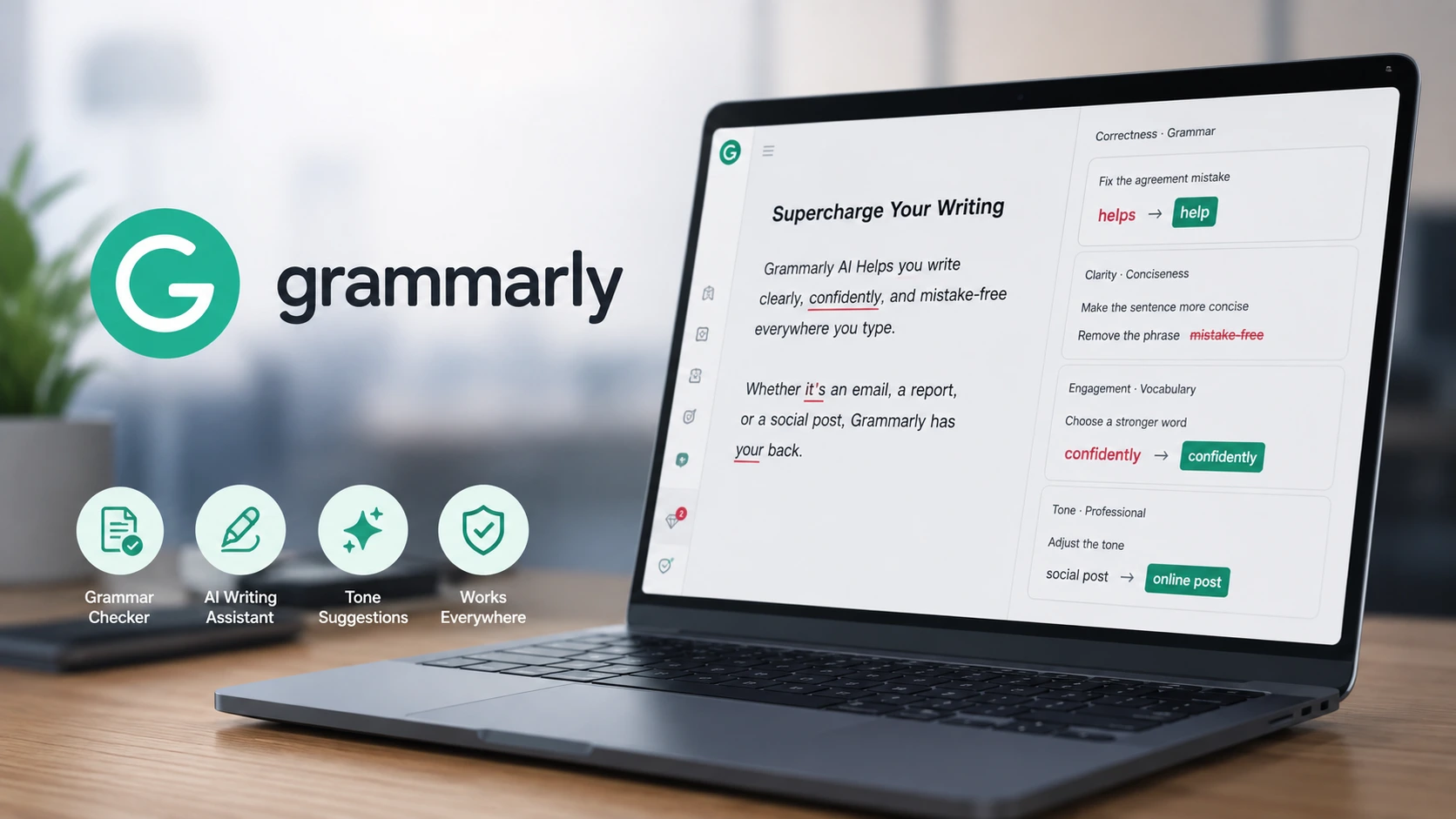
Yes, Grammarly is worth using in 2026 for its fast, real-time grammar and spell-checking across web and desktop apps. The free plan is ideal for casual proofreading. However, the paid Pro plan ($12–$30/mo) is mainly worth it if you need full-sentence rewrites and plagiarism scanning daily.
I have used Grammarly for over six years now. It started as a basic tool that marked spelling errors with red lines. Over time, it turned into a full writing assistant. In 2026, Grammarly relies heavily on generative AI to help you draft, rewrite, and polish your words.
The core grammar checker is still top notch. It catches typos, missing commas, and bad sentence structures super fast. You do not need to copy and paste text anywhere. It works right inside Gmail, Google Docs, and your web browser.
However, its AI rewriting features are average. They can help you shorten long sentences, but the rewritten text often sounds flat.
The paid Pro plan is also quite expensive if you pay month to month. If you just want to fix everyday typing mistakes, the free plan is more than enough.
Grammarly is definitely worth using in 2026 for daily emails and work documents. But if you already use tools like ChatGPT or Claude to write long articles, you might not need Grammarly’s paid tier.
Grammarly AI: What Is It?
Grammarly launched back in 2009 as an online proofreading tool. It helped students and writers check for grammar mistakes and passive voice.
Today, Grammarly is a complete AI writing assistant. It uses large language models along with its traditional grammar engine. It can write emails from scratch, shorten big paragraphs, change your tone, and check for plagiarism.
Who is it for?
- Students: Writing essays, college assignments, and research drafts.
- Working Professionals: Sending daily client emails and Slack messages.
- Content Creators: Drafting blog posts and social media captions.
- Non-native English Speakers: Improving overall fluency and sentence flow.
Unlike standalone AI tools like ChatGPT, Grammarly lives right inside your daily workflow. It runs quietly across web browsers, desktop apps, and mobile phones.
Quick Rating & Key Metrics
| Category | Rating | Brief Explanation |
| Grammar Accuracy | 9.0 / 10 | Catching typos and punctuation mistakes remains its biggest strength. |
| AI Writing | 7.0 / 10 | Helpful for quick rewrites, but outputs can feel stiff and generic. |
| Ease of Use | 8.5 / 10 | Works smoothly in the background across most desktop apps. |
| Features | 8.0 / 10 | Great mix of grammar checks, tone adjustment, and plagiarism scanning. |
| Free Plan | 8.5 / 10 | Generous free tier with real-time editing and 100 monthly AI prompts. |
| Value for Money | 6.8 / 10 | Annual billing is fair, but monthly billing is very expensive. |
| Overall Score | 8.0 / 10 | A solid, dependable proofreader with decent AI features. |
How We Tested Grammarly
I tested Grammarly during my actual daily writing work over four full weeks.
Test Setup:
- Devices Used: Windows 11 laptop (Chrome extension), Mac desktop, and an Android phone.
- Apps Tested: Google Docs, Gmail, WordPress, and Slack.
What I Tested:
- Daily Emails & Messages: Drafted client emails and team updates on Slack.
- Long-form Writing: Checked technical blog drafts for passive voice and awkward phrasing.
- AI Rewriting: Used AI prompts to shorten long sentences and change tones from casual to formal.
- Originality Checks: Ran drafts through its plagiarism checker and AI detector.
Grammarly Grammar Checker: How Good Is It?
Grammarly’s main grammar checker is still its best feature.
As you type, red underlines show spelling and grammar mistakes. Blue underlines suggest clarity fixes. Clicking on any underlined word shows the fix right away.
What it caught easily in my testing:
- Basic typos and spelling mistakes.
- Misplaced commas and missing punctuation.
- Subject-verb agreement issues.
- Repeated words and incomplete sentences.
It also gives short, simple explanations for every rule. This actually helps you understand your mistake so you do not repeat it.
Keep in mind: In technical documents or Indian English contexts, Grammarly sometimes marks correct local terms or jargon as errors. Always read the suggestion before clicking accept.
Grammarly AI Writing Assistant
Apart from proofreading, Grammarly includes generative AI writing tools. You can select any sentence and click the green AI icon to rewrite it.
Core Features:
- Full-Sentence Rewrites: Rephrases wordy sentences to make them short and clear.
- Tone Adjustment: Changes text to sound formal, polite, confident, or casual.
- Content Generation: Writes new email drafts or outlines based on simple prompts.
Real Experience:
I asked Grammarly to turn a rough 30-word bullet list into a polite follow-up email. It gave me a clean draft in just two seconds.
The downside is that it tends to flatten your tone. When I asked it to fix a personal blog paragraph, it stripped away my writing style. The final output was clean, but it sounded like standard corporate text. It is great for work emails, but less impressive for creative writing.
Grammarly AI Chat
Grammarly now includes an AI Chat helper right inside its browser widget.
You can ask it to summarize a long web page, brainstorm blog ideas, or draft a quick reply to a long email thread. It saved me a lot of time while going through long email chains in Gmail. However, it is not as smart as standalone models like ChatGPT or Claude for complex research tasks.
Grammarly AI Humanizer & AI Detector
Grammarly AI Detector
The AI Detector estimates how much of a text was written by an AI tool. It works well on raw text copied straight out of ChatGPT. However, AI detection is never 100% accurate. Do not treat its scores as absolute proof.
Grammarly AI Humanizer
The AI Humanizer takes stiff, robotic AI sentences and rephrases them into simpler, natural English.
Important Note: Grammarly’s Humanizer is meant to make rough drafts read better. It does not promise to bypass strict college or institutional AI detectors.
Grammarly for Students
Grammarly is very popular among college students, and it makes sense.
Where it helps:
- Catches spelling errors before you submit assignments.
- Helps break down overly complex sentences into simple words.
- Pro plan scans drafts for accidental plagiarism and helps with citations.
Word of caution:
Using Grammarly to fix grammar is totally fine. But relying on its AI tool to rewrite entire essay paragraphs might break your college’s academic integrity rules. Use it as an editing guide, not as a shortcut to write papers.
Grammarly AI PPT Maker
A lot of people search for “Grammarly AI PPT Maker.”
The truth is, Grammarly does not build PowerPoint files (.pptx) or visual slides.
It can only generate text outlines, bullet points, and speaker notes using its prompt tool. You have to copy those bullet points into PowerPoint or Google Slides yourself. If you want a tool that builds complete slides with layouts, check out Gamma or Tome instead.
Extension & Mobile Experience
- Web Extension: The Chrome extension works smoothly. It runs well inside Google Docs, Gmail, and WordPress without slowing down your browser.
- Desktop App: The desktop app runs in the background on Windows and Mac. It works inside Slack and MS Word. My only issue is that the floating icon sometimes covers buttons in other apps.
- Mobile Experience: The Android keyboard works fine for typing corrections, but it feels a bit heavier and slower compared to standard Gboard.
What I Like About Grammarly (Pros)
- Fast Real-Time Checks: Catches typos and grammar mistakes almost instantly as you type.
- Works Everywhere: You do not need to open a separate app or copy-paste text.
- Tone Indicator: Shows how your email will sound (polite, direct, or aggressive) before you hit send.
- Explains Grammar Rules: Helps you learn from your mistakes over time.
- Useful Free Plan: Gives you solid basic proofreading and 100 free AI prompts every month.
What I Don’t Like About Grammarly (Cons)
- Generic AI Output: Rewritten sentences often sound plain and lose your personal style.
- Pricey Monthly Billing: Paying month-to-month costs $30/month, which is quite high.
- Frequent Upsell Pop-ups: Free users see constant pop-ups asking them to upgrade to Pro.
- Needs Active Internet: It processes text on cloud servers, so it does not work offline.
- Confused by Jargon: Frequently flags correct technical terms or Indian English phrasing as errors.
Grammarly Free vs Pro (2026)
- Free Plan ($0): Real-time grammar, spelling, punctuation checks, basic tone detection, and 100 AI prompts per month.
- Pro Plan: Everything in Free, plus full-sentence rewrites, tone adjustments, plagiarism checker, and 2,000 AI prompts per month.
For most people, the Free plan is more than enough. You only need Pro if you write professionally every day and need plagiarism checks.
Grammarly Pricing in 2026
| Plan | Billed Annually (Per Month) | Billed Monthly | Monthly AI Prompts | Best For |
| Free | $0 | $0 | 100 prompts | Students & casual writers |
| Pro | $12 ($144 upfront) | $30 / month | 2,000 prompts | Daily writers & small teams |
| Enterprise | Custom quote | Custom quote | Unlimited | Large companies |
(Note: In India, mobile in-app purchases through the Google Play Store range between ₹1,000 and ₹4,700 depending on the selected plan tier.)
Grammarly vs Competitors
| Feature | Grammarly AI | QuillBot | ProWritingAid |
| Grammar Checking | Excellent | Average | Excellent |
| Sentence Rewriting | Decent | Excellent | Decent |
| Free Tier | Free grammar + 100 AI prompts | Character limits apply | 500-word limit per check |
| Plagiarism Checker | Included in Pro | Separate purchase | Credit-based system |
| Annual Price | $12 / month | ~$4.17 / month | ~$10 / month |
Community Feedback & UGC Digest
What users like:
- Saves you from sending embarrassing typos in work emails.
- Runs quietly in the background without getting in the way.
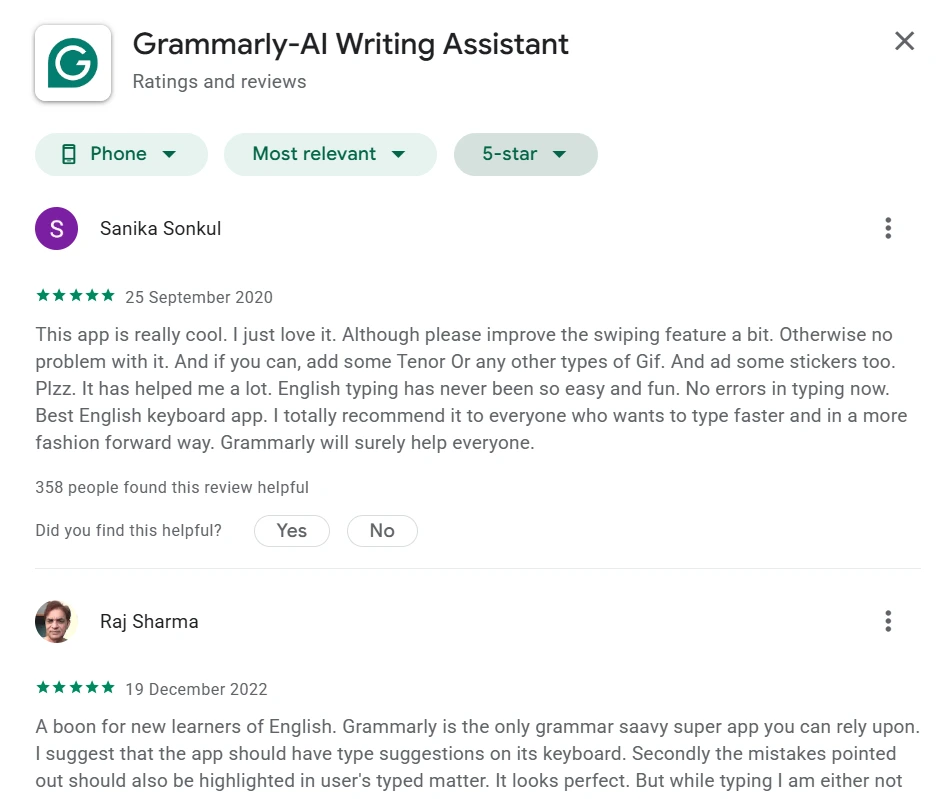
- Great tool for non-native English speakers to refine their writing.
Common complaints:
- The $30 month-to-month price tag feels too high.
- Free plan pop-ups push you to upgrade too aggressively.
- The AI rewrite feature sometimes ruins perfectly fine, natural sentences.
Privacy & Data Security
Grammarly sends your typed text to its cloud servers to run grammar checks and AI generation.
According to Grammarly’s official Trust Guidelines, they do not sell your personal data or train public AI models on your private documents. Still, if you handle highly confidential office documents, check your company’s IT policy before installing browser extensions.
Grammarly Scorecard
| Category | Score | Why |
| Grammar Checking | 9.0 / 10 | Extremely fast and reliable at catching typos and punctuation errors. |
| AI Writing | 7.0 / 10 | Fine for quick work emails, but lacks creative style. |
| Accuracy | 8.8 / 10 | High accuracy for standard English, though jargon confuses it at times. |
| Ease of Use | 8.5 / 10 | Very clean interface and simple to set up. |
| Free Plan Value | 8.5 / 10 | Gives you great editing tools without charging anything. |
| Overall Value | 8.0 / 10 | An essential proofreader for anyone who writes daily. |
Final Verdict: Is Grammarly Worth It in 2026?
Yes, Grammarly is still worth using in 2026, mainly for its core proofreading features.
If you want a simple tool that runs in the background and keeps your daily emails free of embarrassing typos, Grammarly is hard to beat. Its free plan is easily one of the best free grammar checkers out there.
However, if you are planning to pay for the Pro plan just for its AI writing tools, think twice. Standalone AI models like ChatGPT or Claude offer much more flexibility and creative control for long articles at a better price.
Grammarly is best for:
- Professionals writing daily emails, Slack updates, and reports.
- Non-native English speakers who want instant sentence corrections.
- Students who need a reliable proofreader for assignment drafts.
You can skip it if:
- You only write occasionally (the free plan is plenty).
- You are a creative writer who wants to keep a unique personal tone.
- You do not want to pay $144 upfront for the annual discount.
My Final Rating: 8.0 / 10
Frequently Asked Questions (FAQs)
Is Grammarly free?
Yes. Grammarly has a permanently free plan that includes basic grammar, spelling, and punctuation checks, plus 100 AI prompts every month.
Is Grammarly AI free to use?
Free users get 100 AI prompts per month. Upgrading to the Pro plan gives you 2,000 AI prompts per month.
Is Grammarly better than ChatGPT?
For catching typos in real-time while you type, Grammarly is much better. For drafting full articles, brainstorming, and deep research, ChatGPT is far superior.
Is Grammarly good for students?
Yes. It helps students catch typos, fix wordy sentences, and check for accidental plagiarism before submitting papers.
Does Grammarly have an AI detector?
Yes. Grammarly includes an AI detector tool that estimates what percentage of a text was written by AI.
Can Grammarly create PowerPoint presentations?
No. Grammarly cannot generate downloadable PowerPoint files (.pptx). It can only help you write bullet points and text outlines for your slides.
Also Read: