Kling AI Review 2026: In-Depth Analysis, Benchmarks, Pricing & Real-World Limitations

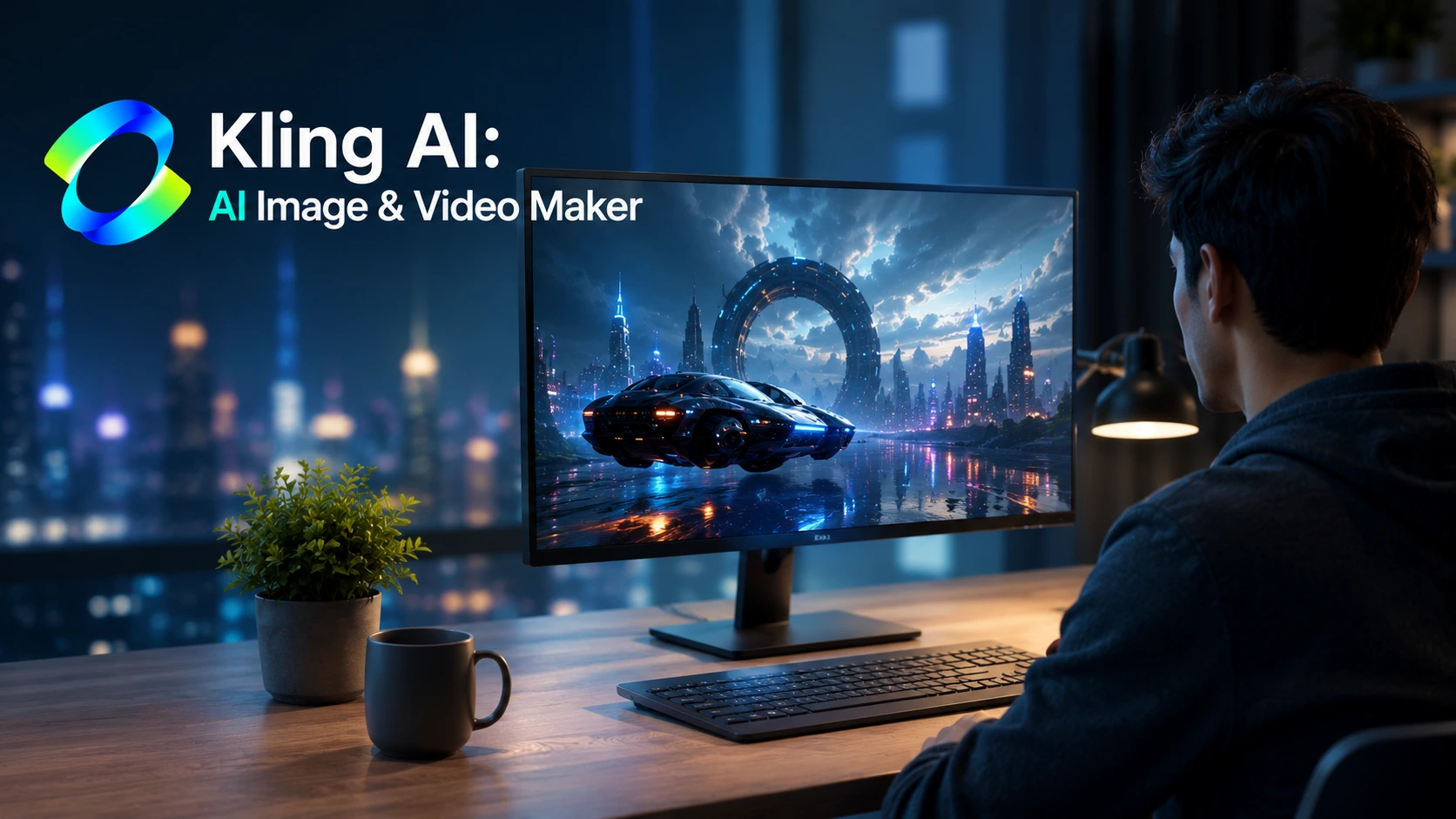
Kling AI Review 2026: Kling AI has emerged as one of the most talked-about AI video platforms in the market. Built by Chinese technology company Kuaishou, it claims to offer cinematic motion, physics simulation, and high-resolution video generation from simple text or image prompts.
This review provides a realistic breakdown of what Kling AI offers in 2026, how its credit system works in practice, where it excels, and where it falls short.
1. Quick Verdict
| Metric | Verdict / Details |
| Overall Score | 8.1 / 10 |
| Best For | Short-form video creators, digital marketers, and visual storytellers needing realistic motion. |
| Not Ideal For | Directors needing perfect character consistency across long multi-scene films without manual fixes. |
| Free Plan | 66 credits daily (expires in 24 hours), watermarked, capped resolution, standard queue. |
| Starting Paid Plan | Standard Plan at ~$10/month (660 credits/month). |
| Main Strength | Natural human movement, fluid camera pans, and lifelike physical interaction. |
| Main Weakness | Fast credit consumption, especially when generating 1080p clips with native audio or using Professional Mode. |
2. What is Kling AI?
Kling AI is a generative multimedia platform developed by Kuaishou Technology. It is accessible globally via web browser and mobile applications. While initially launched as a focused text-to-video generator, it has expanded into a full creative studio.
The platform offers several core features:
- Text-to-Video & Image-to-Video: Generates 5-to-10 second clips at up to 1080p and native 4K resolutions.
- Video Extension: Extends existing clips sequentially up to 3 minutes while attempting to preserve character and lighting consistency.
- Camera & Motion Control: Supports specific pan, tilt, zoom, and start/end frame parameters.
- Native Audio Generation: Generates voiceovers, background noise, and sound effects synchronized directly with the video.
- AI Image Generator: Creates high-resolution static images with multi-reference blending for style and character matching.
- Digital Humans & Try-On: Specialized tools for virtual product modeling and synthetic avatars.
3. Who is Kling AI For?
Kling AI fits specific production pipelines better than others:
- Short-Form Content Creators: Ideal for creators producing TikToks, Instagram Reels, and YouTube Shorts who need dynamic visuals quickly.
- Ad Agencies & Marketers: Useful for generating product B-roll, background clips, and speculative commercial concepts.
- Pre-visualization Artists: Great for indie filmmakers wanting to storyboard moving shots before actual filming.
- AI Art Hobbyists: Suitable for creators experimenting with prompt engineering and static image animation.
Who should avoid it:
- Traditional editors who expect frame-perfect precision without re-rolling prompts.
- Creators on zero budget who require unwatermarked 1080p video for commercial release.
4. Testing Approach & Available Evidence
To assess Kling AI objectively, we evaluated published user outputs, documentation, and systematic generation tests across common prompt categories.
- Model Versions Evaluated: Kling 1.5, Kling 2.0, and Video 3.0 generation modes.
- Categories Reviewed: Human face/body movement, complex object interaction, camera pans, lighting transitions, and text rendering.
- Evaluation Criteria: Prompt adherence, visual artifacts, fluid physics, and credit burn rate per usable render.
5. Kling AI Video Generation
Video generation is Kling’s primary draw. The underlying models handle motion differently than older diffusion systems.
Text-to-Video
Text-to-video generation shows impressive physics comprehension. Prompts involving fluid dynamics, cloth movement, and camera sweeps yield smooth motion. However, complex prompts with multiple subjects acting independently still result in occasional blending artifacts or missing actions.
Image-to-Video
Image-to-video is generally more reliable than text-to-video. By uploading a clear base image, you lock in the aesthetic, color palette, and character design. Kling’s camera controls (pan, tilt, zoom) allow you to dictate shot direction without corrupting the source image’s geometry.
Video Extension & Native Audio
Kling allows you to extend 5-second clips up to longer durations. While the first extension usually holds subject consistency well, successive extensions gradually introduce visual softening or slight character shifts. The native audio feature adds matching sound, though generating both video and audio consumes significantly more credits.
6. Kling AI Image Generator
Kling includes a dedicated AI image generator alongside its video tools.
- Prompt Adherence: High accuracy with lighting styles, camera lens descriptions, and compositional structure.
- Human Features: Faces look detailed and natural. Hand rendering has improved over earlier iterations, though awkward finger counts can still happen on intricate gestures.
- Text Rendering: Renders short English words on banners or signs with reasonable accuracy, though long phrases frequently garble.
- Reference Image Blending: Allows you to supply multiple reference photos to maintain character likeness across different static generations.
7. Real-World Performance & Reliability
Based on editorial assessment and aggregate technical observations, here is how Kling AI performs across key generation tasks:
| Generation Task | Observed Reliability | Practical Notes |
| Human Motion | High | Handles walking, gestures, and facial expressions smoothly. |
| Camera Movement | High | Pans, tilts, and zooms remain stable without warping backgrounds. |
| Physical Objects | Moderate | Pouring liquids and moving vehicles look realistic, but collision physics can clip. |
| Character Consistency | Moderate | Best when using Image-to-Video base frames; drops slightly during multi-stage extensions. |
| Hand & Finger Accuracy | Fair | Better than 2024 baselines, but static gestures remain prone to warping. |
| Native Audio Sync | Moderate | Ambient sounds align well; lip-sync accuracy varies by angle. |
8. Pros
- Industry-Leading Motion Fluidity: Motion looks natural and rarely exhibits the jitter common in basic AI generators.
- Strong Camera Controls: Dedicated controls allow precise direction over camera movement.
- Unified Workspace: Images, video clips, and audio can be generated within one interface.
- Daily Free Allowance: Provides daily credits for initial testing without requiring a credit card upfront.
- Native High Resolution: Supports crisp 1080p and native 4K output on supported plans.
9. Cons & Real Limitations
- Fast Credit Consumption: Renders consume credits rapidly, especially when choosing higher resolutions or audio.
- Free Plan Expiry: Daily free credits expire every 24 hours and do not roll over.
- Watermarked Free Output: Free exports carry a visible watermark and are restricted from commercial use.
- Queue Delays During Peak Hours: Free and Standard users experience longer wait times when server loads surge.
- Iterative Waste: Achieving production-ready clips often requires 2 to 3 re-rolls, which burns through plan allowances.
10. Kling AI Pricing
Kling AI operates on a monthly credit subscription model.
| Plan | Monthly Price | Monthly Credits | Key Features & Limits | Best For |
| Free | $0 | ~1,980 (66/day) | Watermarked, 360p-540p, 24h credit expiry. | Casual testing. |
| Standard | ~$10 | 660 | No watermark, 1080p, commercial rights. | Occasional creators. |
| Pro | ~$37 | 3,000 | Priority queue, batch generation, best credit value. | Active creators. |
| Premier | ~$92 | 8,000 | Fast queue, high-volume limits. | Small agencies & studios. |
| Ultra | ~$180 | 26,000 | Highest credit allocation, monthly billing. | Commercial production teams. |
Note: Unused subscription credits do not roll over at the end of the billing cycle.
11. Is Kling AI Free or Paid?
Kling AI is a freemium platform.
You can use it for free with 66 daily credits. However, the free tier is strictly for testing. Free clips carry a watermark, max out at lower resolutions, and do not include commercial usage rights.
For clean exports and higher resolution, a paid tier is necessary.
12. Is There a 100% Free AI Video Maker?
No major commercial AI video generator offers 100% free, unlimited, high-resolution generation for commercial use without restrictions.
Most platforms use one of three approaches:
- Freemium with Credits: Limited daily or monthly credits (e.g., Kling AI, Runway).
- Watermarked Free Trials: Generates videos, but applies prominent logos.
- Open-Source Local Models: Fully free to run (e.g., open-weight diffusion models), but requires an expensive GPU with 16GB+ VRAM.
13. Is Kling AI Safe and Private?
When evaluating safety and privacy on Kling AI, consider three key aspects:
- Account & Platform Security: Standard HTTPS encryption and account authentication protocols are used to secure credentials.
- Data Usage Policies: Uploaded images, text prompts, and generated content are processed on cloud servers. As with most cloud AI services, public server processing means sensitive personal documents or unannounced commercial products should not be uploaded.
- Content Moderation: Automated filters block explicit, offensive, or copyright-violating generation requests.
14. Kling AI App
Kling AI offers mobile apps on both iOS (App Store) and Android (Google Play / official package).
The app features a clean interface that mirrors the web dashboard. Users can write prompts, select motion styles, preview generations, and share creations directly to social platforms. Mobile purchases link directly to your main Kling account credits.
15. Kling AI Login
Logging into Kling AI requires visiting the official website (kling.ai) or opening the official app. Accounts can be created using a standard email or social sign-in options. Once logged in, your daily free credits or paid subscription balance will display at the top of the interface.
16. Kling AI APK
Android users should download the official Kling AI app directly from the Google Play Store or official developer channels.
Avoid downloading modified or “cracked” Kling AI APKs from third-party websites. Modified APK files can contain malware, compromise device security, and lead to immediate account bans since credit balances are verified server-side.
17. Kling AI vs Competitors
| Feature | Kling AI | Runway (Gen-3) | Luma Dream Machine |
| Primary Focus | Fluid motion & versatile tools | Cinematic controls & editing | Realistic physical lighting |
| Motion Realism | Very High | High | High |
| Native Audio | Supported | Separate feature | Limited |
| Starting Paid Price | ~$10/mo | ~$15/mo | ~$29.99/mo |
| Free Access | 66 credits/day | Limited trial credits | Limited trial generations |
| Best For | Overall value & fluid camera motion. | Professional film pre-vis. | Quick realistic concept shots. |
18. Scorecard
- Video Quality: 8.5 / 10
- Image Quality: 8.0 / 10
- Prompt Following: 8.0 / 10
- Motion & Physics: 8.8 / 10
- Character Consistency: 7.5 / 10
- Speed & Reliability: 7.8 / 10
- Ease of Use: 8.5 / 10
- Pricing & Value: 7.8 / 10
- Privacy Transparency: 7.2 / 10
- Overall Score: 8.1 / 10
 Sikans Surprise Delivery
Amazing AI Video Generator! Kling AI is one of the best AI apps I’ve used for creating realistic videos. The video quality is impressive, the animations are smooth, and the results look very natural. It’s easy to use, and the prompt-to-video feature saves a lot of time. It’s perfect for creating product showcases, bouquet promotions, and creative social media content. I highly recommend it to anyone looking for high-quality AI-generated videos. Great job, Kling AI! 👏
3 people found this review helpful
Did you find this helpful?
Erick Canizales
Couldn’t even try it once because every time i tried to generate a video it said “The queue for the free plan is busy now. Upgrade your plan for faster generation” every single time. If you are already gonna give us a pitiful 60 initial credits to try the app out, which is barely enough for a 5 seconds 720p video anyways, AT LEAST let us actually use it.
4 people found this review helpful
Did you find this helpful?
19. User Community Feedback & UGC Digest
Public community discussions highlight consistent themes regarding user experience:
Common Praise
- Users frequently compliment the natural human motion and camera control accuracy.
- Creators praise the convenience of having text-to-video, image animation, and image generation in a single subscription.
- The initial daily credit refresh is appreciated by beginners testing the platform.
Common Complaints
- Credits burn faster than expected when generating in 1080p or adding audio.
- Lack of credit rollover on paid subscriptions causes frustration if credits go unused at month-end.
- Free queue times can slow down significantly during peak global hours.
20. Who Should Use Kling AI?
Use Kling AI if:
- You produce short-form video content regularly.
- You want natural motion and smooth camera movements without complex manual keyframing.
- You prefer an all-in-one platform for image and video generation.
Skip Kling AI if:
- You require 100% free commercial outputs without watermarks.
- You expect flawless long-form narrative consistency across dozens of sequential scenes without manual editing.
21. Final Unbiased Verdict
Kling AI is one of the most capable AI video generators available. Its ability to render organic movement, realistic human motion, and stable camera sweeps places it among top-tier platforms like Runway and Luma.
However, creators must account for the credit system. While the free tier is helpful for testing, serious work requires a paid plan—with the ~$37/month Pro tier offering the best balance for active workflows. If fluid motion and expressive camera control are top priorities for your content, Kling AI is well worth considering.
Frequently Asked Questions
Is Kling AI free or paid?
Kling AI offers both. It provides 66 free daily credits for basic testing, while higher resolutions, watermark removal, and faster processing require a paid plan starting at ~$10/month.
Is there a 100% free AI video maker?
No major web-based AI video platform offers unlimited 100% free generation for commercial use without watermarks or credit caps.
Which AI is better than Kling?
Runway Gen-3 excels in specific video editing workflows, while Luma Dream Machine handles certain lighting environments well. However, Kling AI remains a top performer for natural motion and camera movement.
Is Kling AI safe and private?
Kling AI uses standard cloud security measures. However, avoid uploading confidential personal or proprietary materials to public cloud AI tools.
Is Kling AI good for YouTube videos?
Yes, especially for producing B-roll, background clips, and visual hooks for YouTube Shorts and video essays.
Can Kling AI generate 4K videos?
Yes, Kling AI supports native 4K output on supported generation modes and plans.
Can Kling AI turn images into videos?
Yes, Kling AI offers an Image-to-Video feature that animates still images based on your prompts and camera controls.
Does Kling AI have an Android app?
Yes, Kling AI has an official mobile app available on Android as well as iOS.
Is Kling AI worth paying for?
For active content creators, digital marketers, and storytellers who need quality motion clips, the Pro plan (~$37/month) offers solid value. Casual users should test the free credits first.
Also Read: